
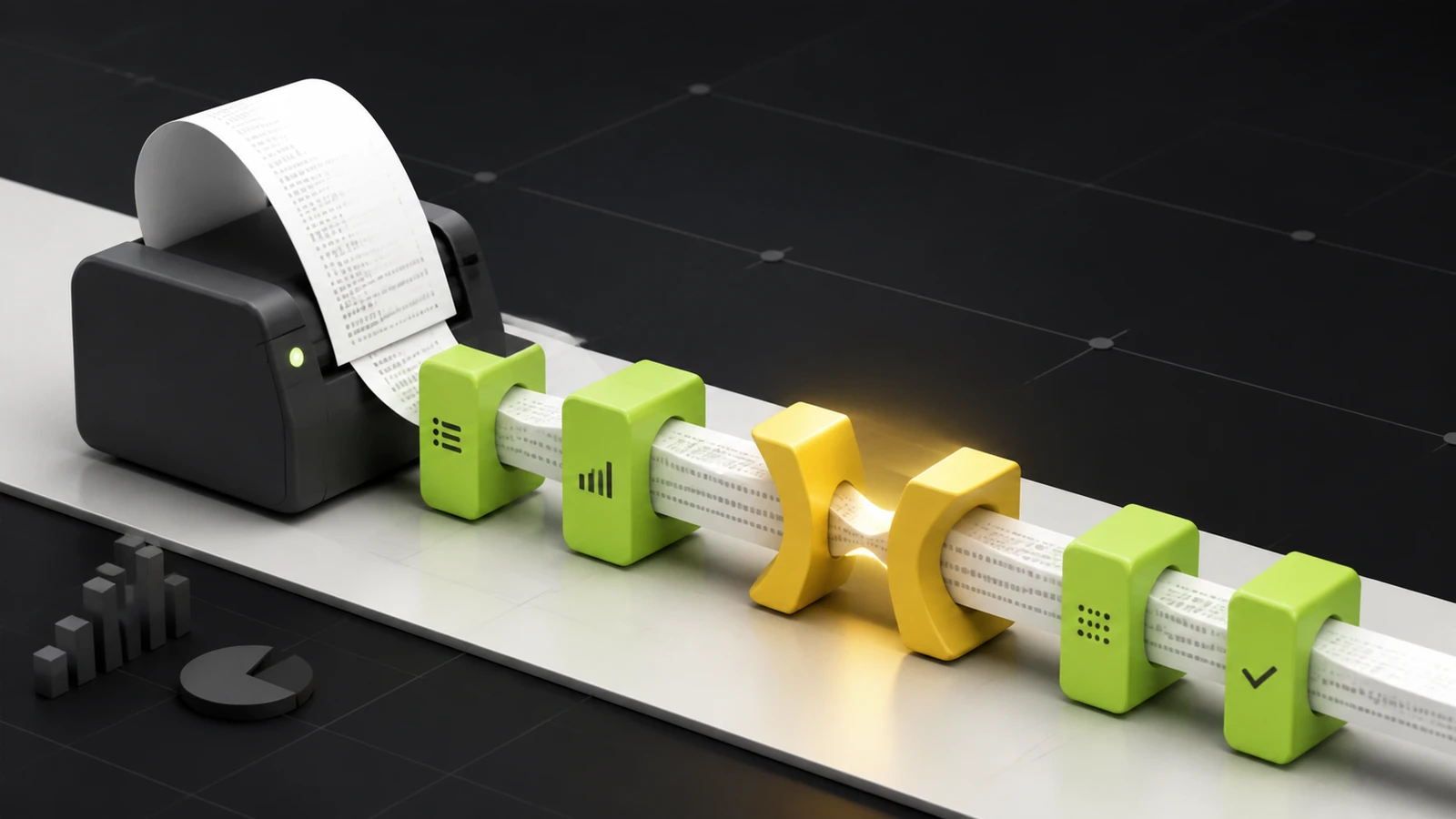
Troubleshooting
7 min read
Receipt Printer Printing Slowly? Find the Bottleneck
Separate printer-side slowdown from POS, queue, network, and template delays with a safe self-test and timing comparison.
Author
Founder and Editor, Devicefield
Clayton Wingfield is the founder and editor of Devicefield. He works with retail systems, business technology, automation, loyalty platforms, POS infrastructure, and connected operational systems. His coverage focuses on helping businesses choose, implement, and troubleshoot practical devices and software.
Areas of expertise
Professional profile
View external profileDevicefield articles
Separate printer-side slowdown from POS, queue, network, and template delays with a safe self-test and timing comparison.
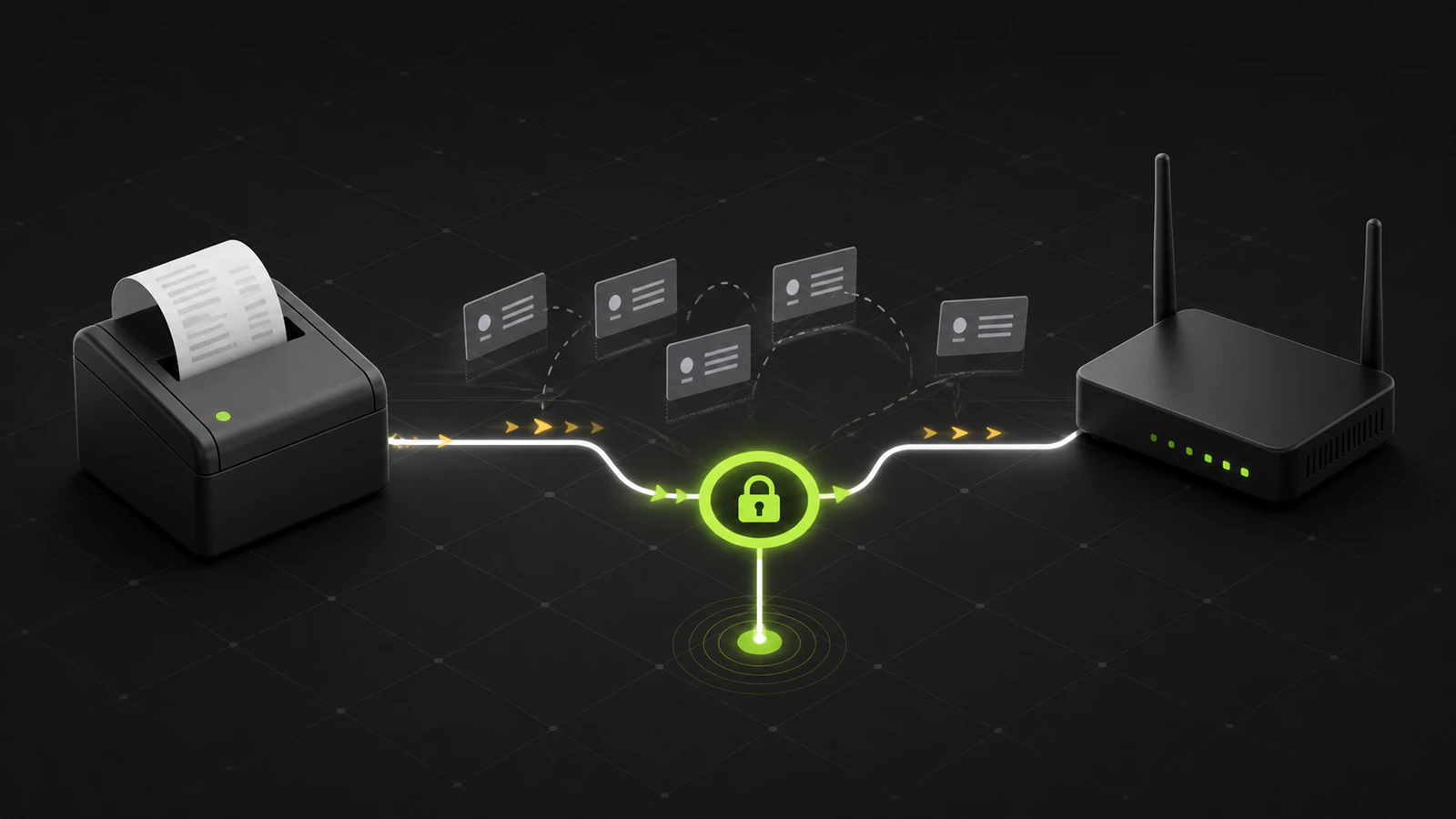
Trace a changing receipt-printer IP through DHCP, the router, and saved POS targets, then stabilize the address without creating a conflict.
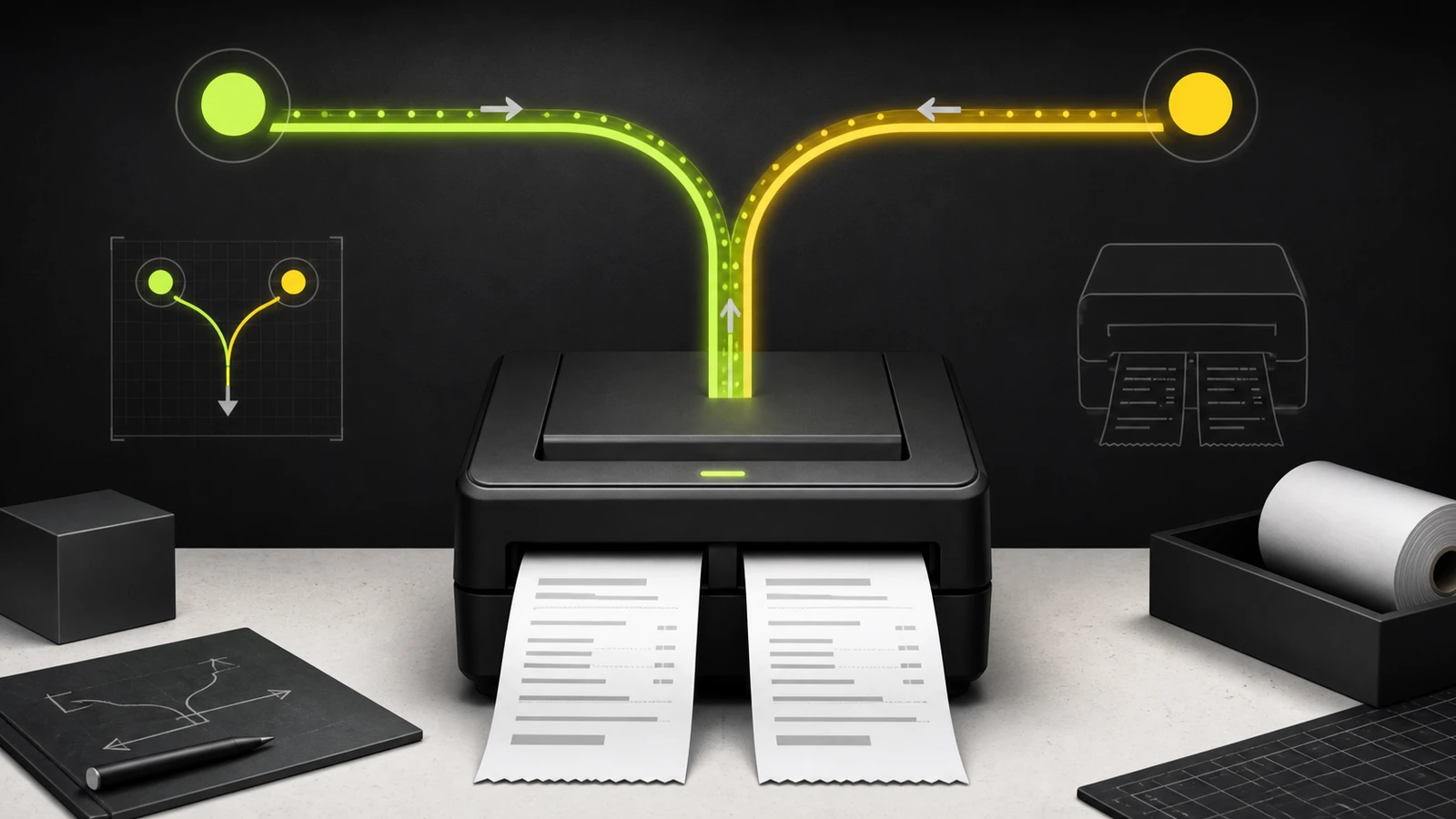
Trace duplicate receipts through copy counts, printer registrations, profiles, and POS senders before resetting or replacing working hardware.
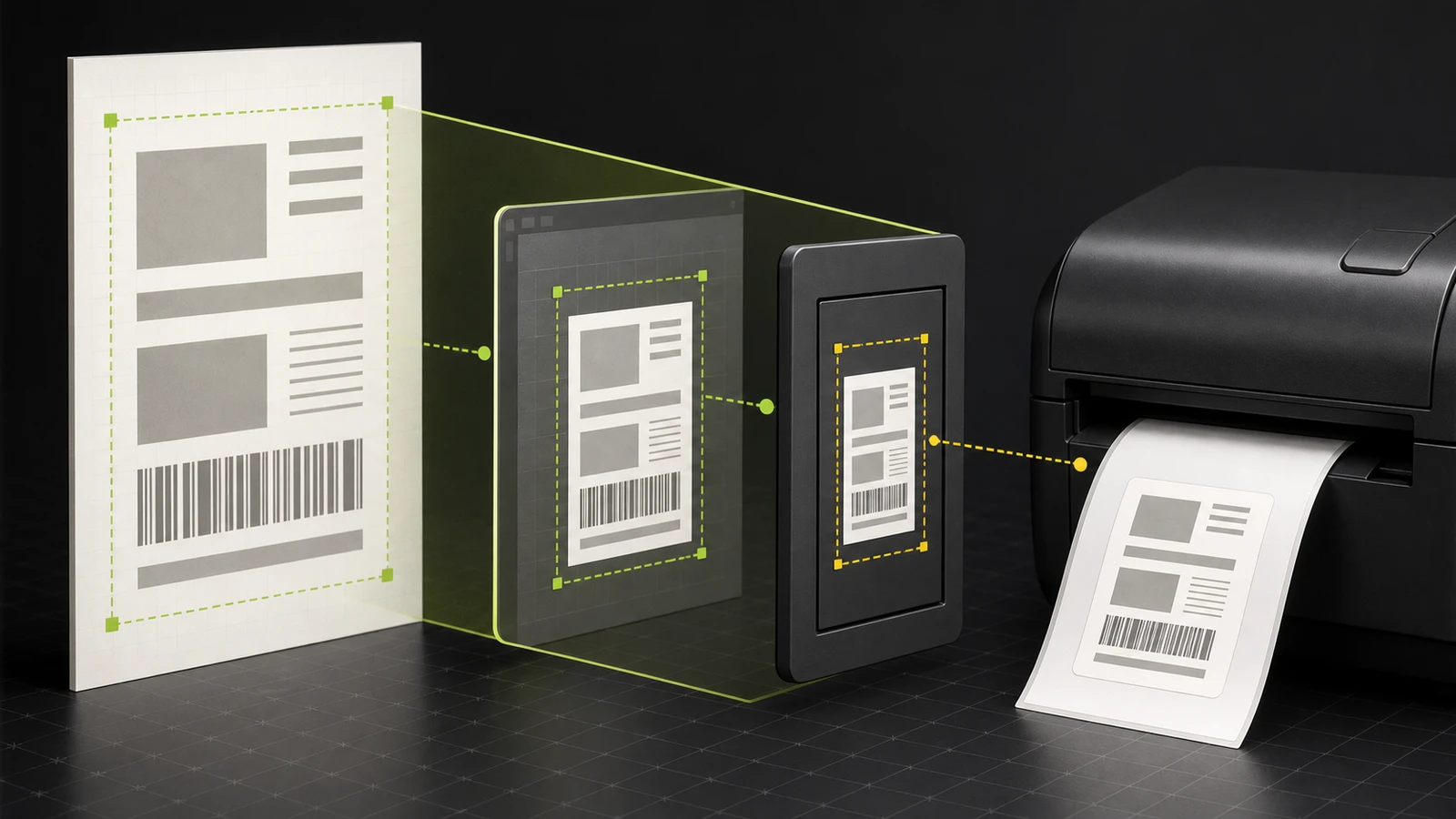
Trace a too-small shipping label through its PDF, app format, printer queue, and scale settings before resetting or recalibrating hardware.
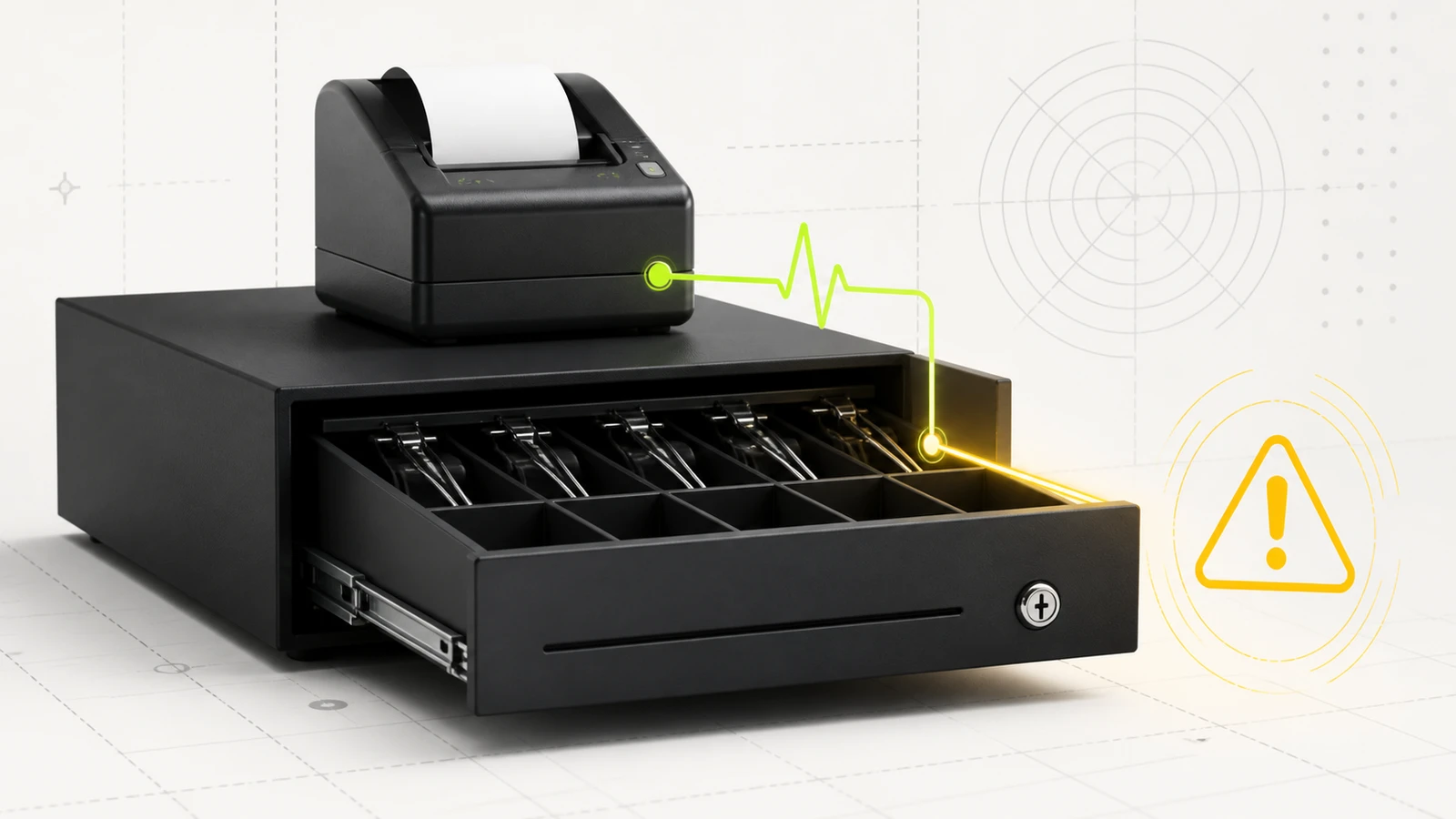
Match unexpected drawer openings to payment, print, startup, and idle events before changing POS, driver, cable, or latch settings.
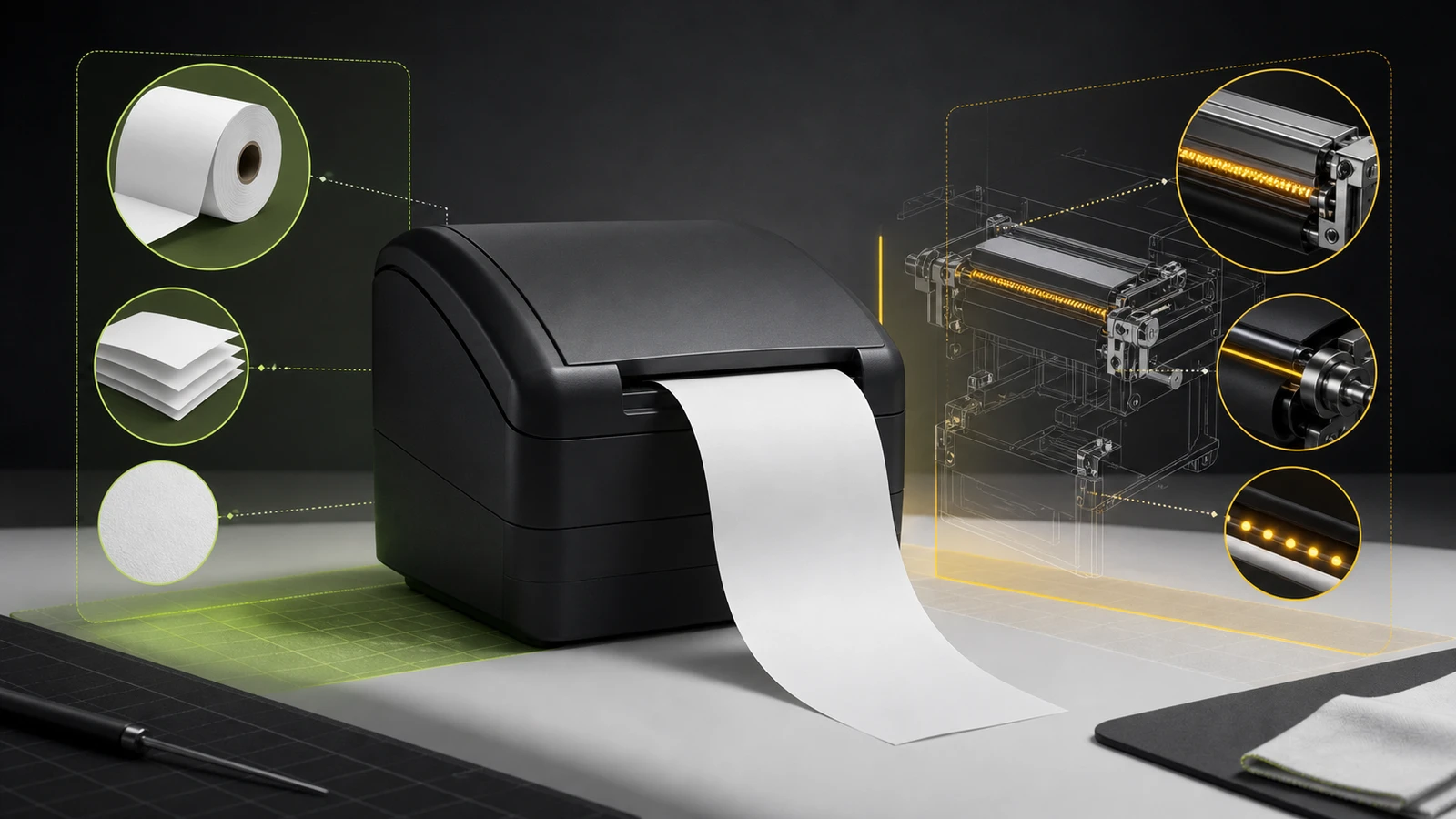
Compare a standalone self-test with a POS receipt to isolate thermal paper, print-engine, driver, and receipt-layout faults safely.
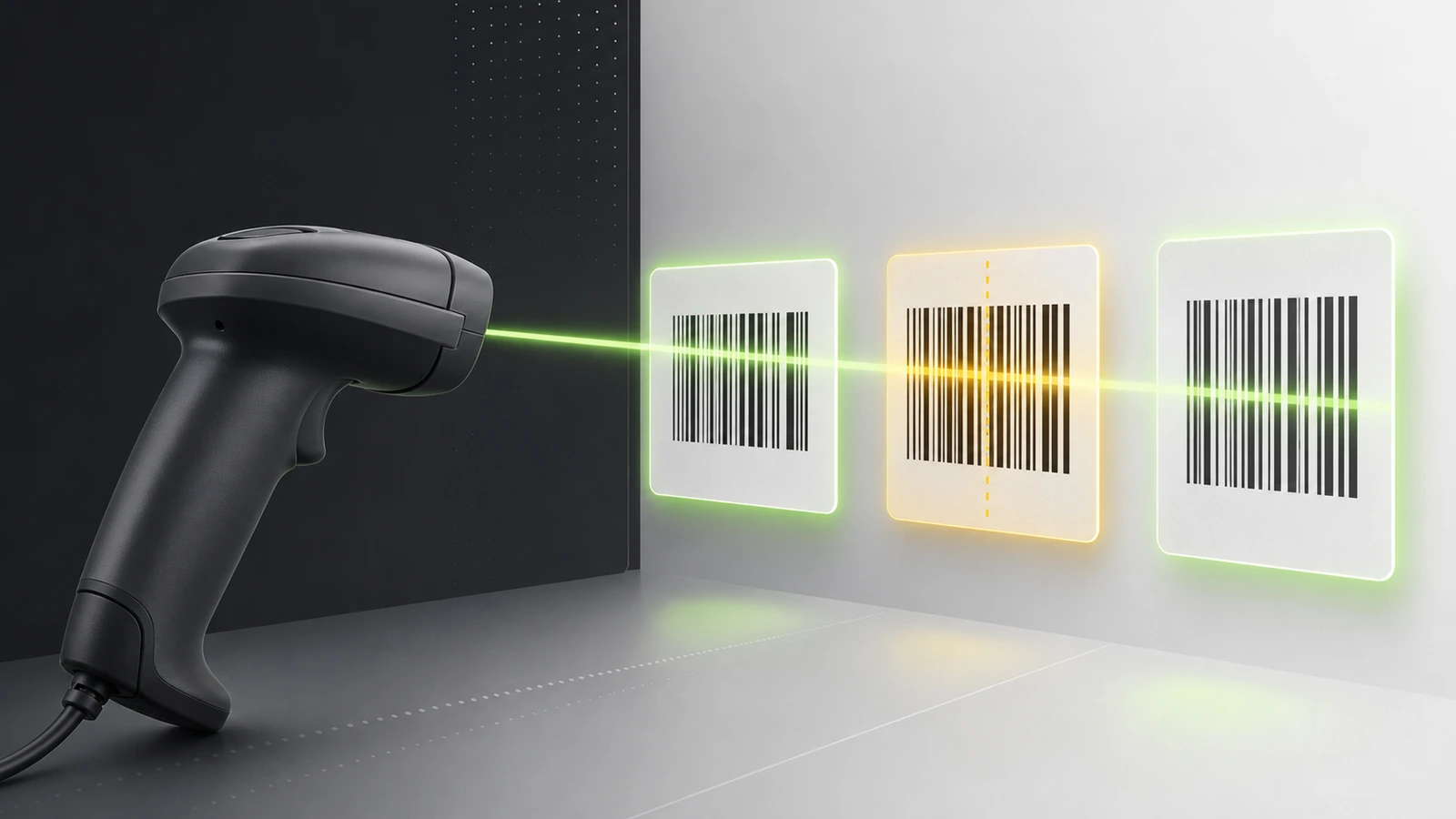
Use controlled label and scanner comparisons to separate disabled barcode types, print-quality faults, and hardware limits before resetting anything.
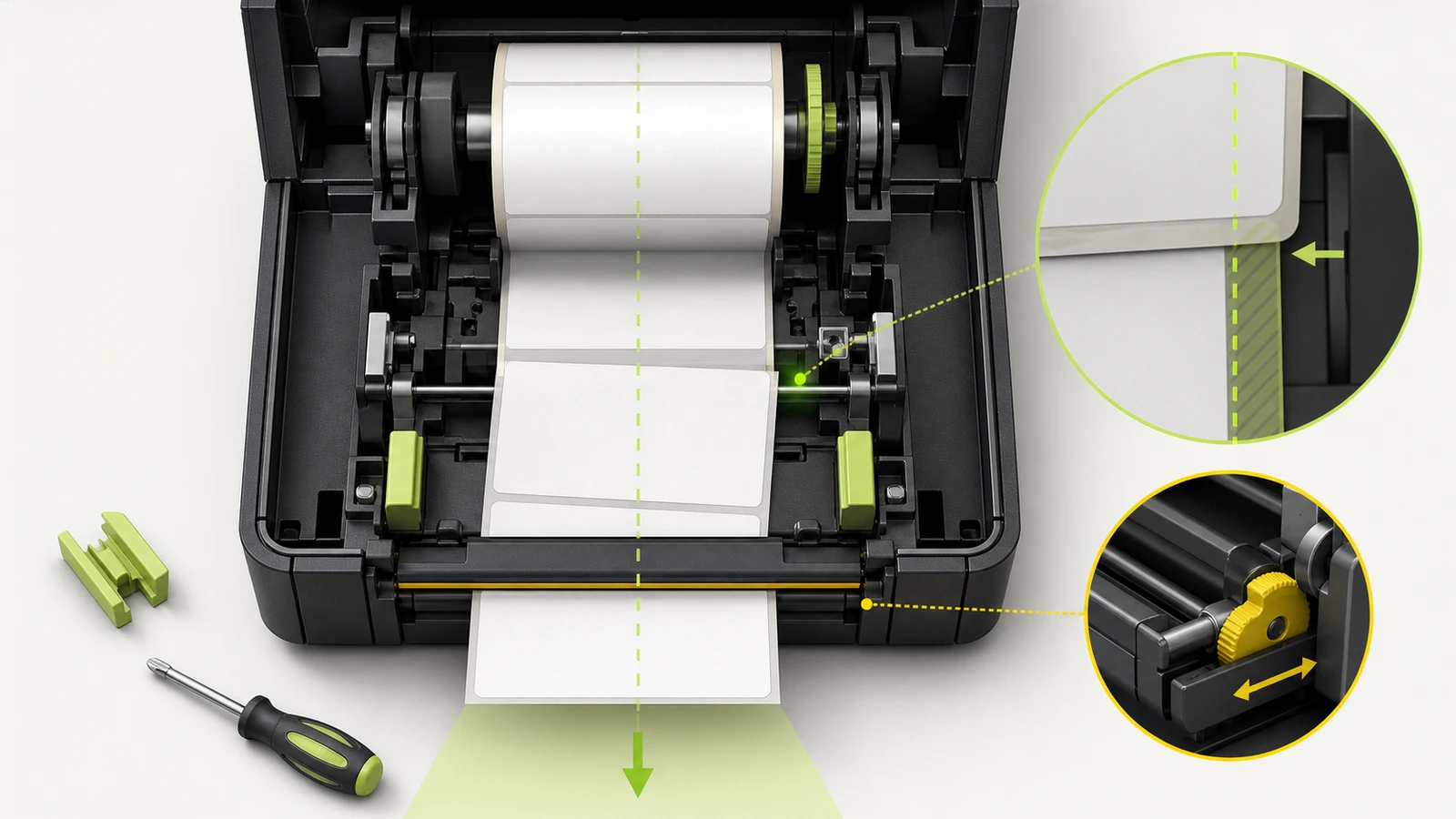
Use three controlled prints to separate Zebra label-boundary, printer-position, and application faults before changing persistent settings.
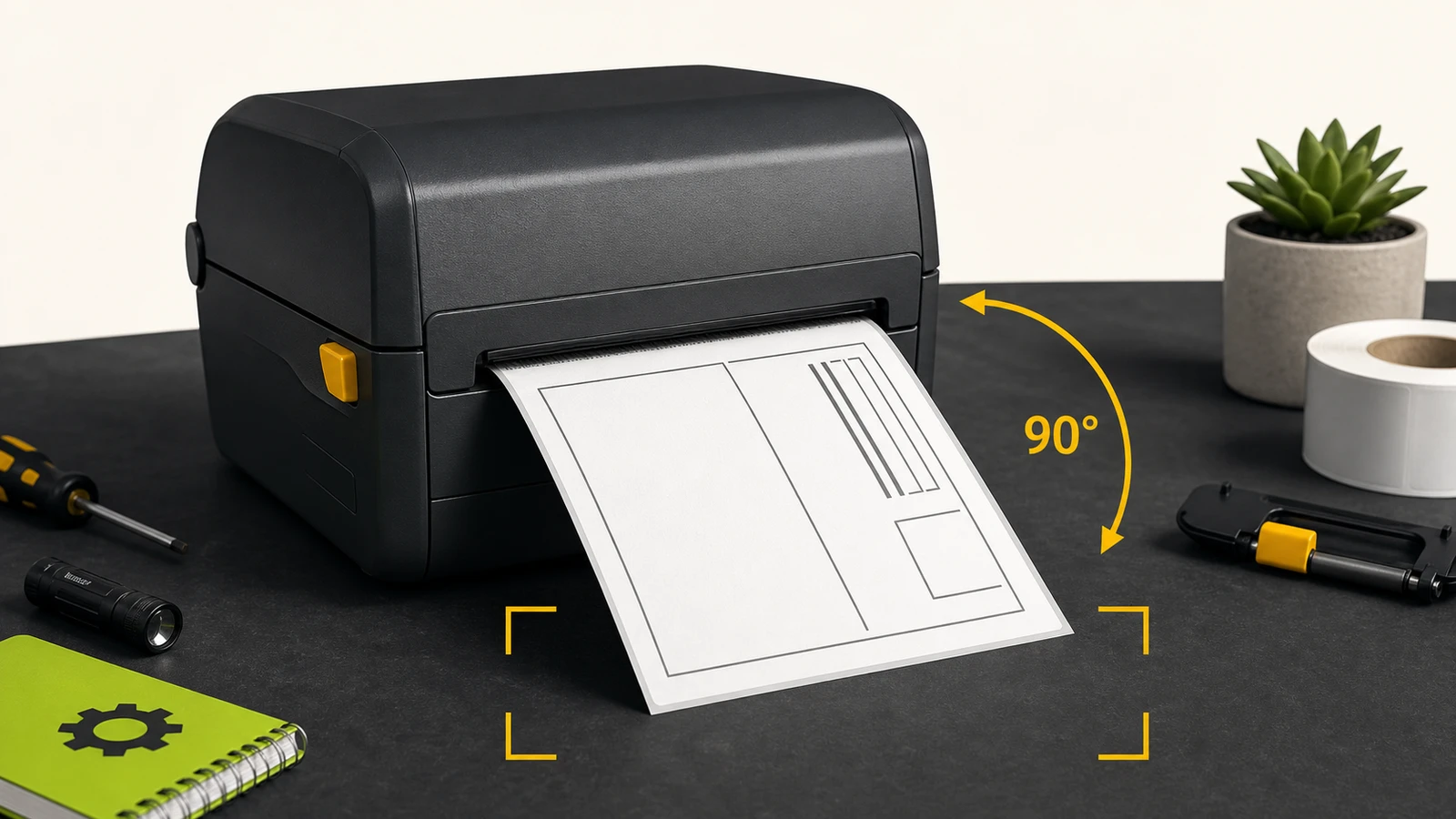
Use two controlled prints to locate sideways Zebra labels in the document, driver, print path, or job data before changing persistent settings.
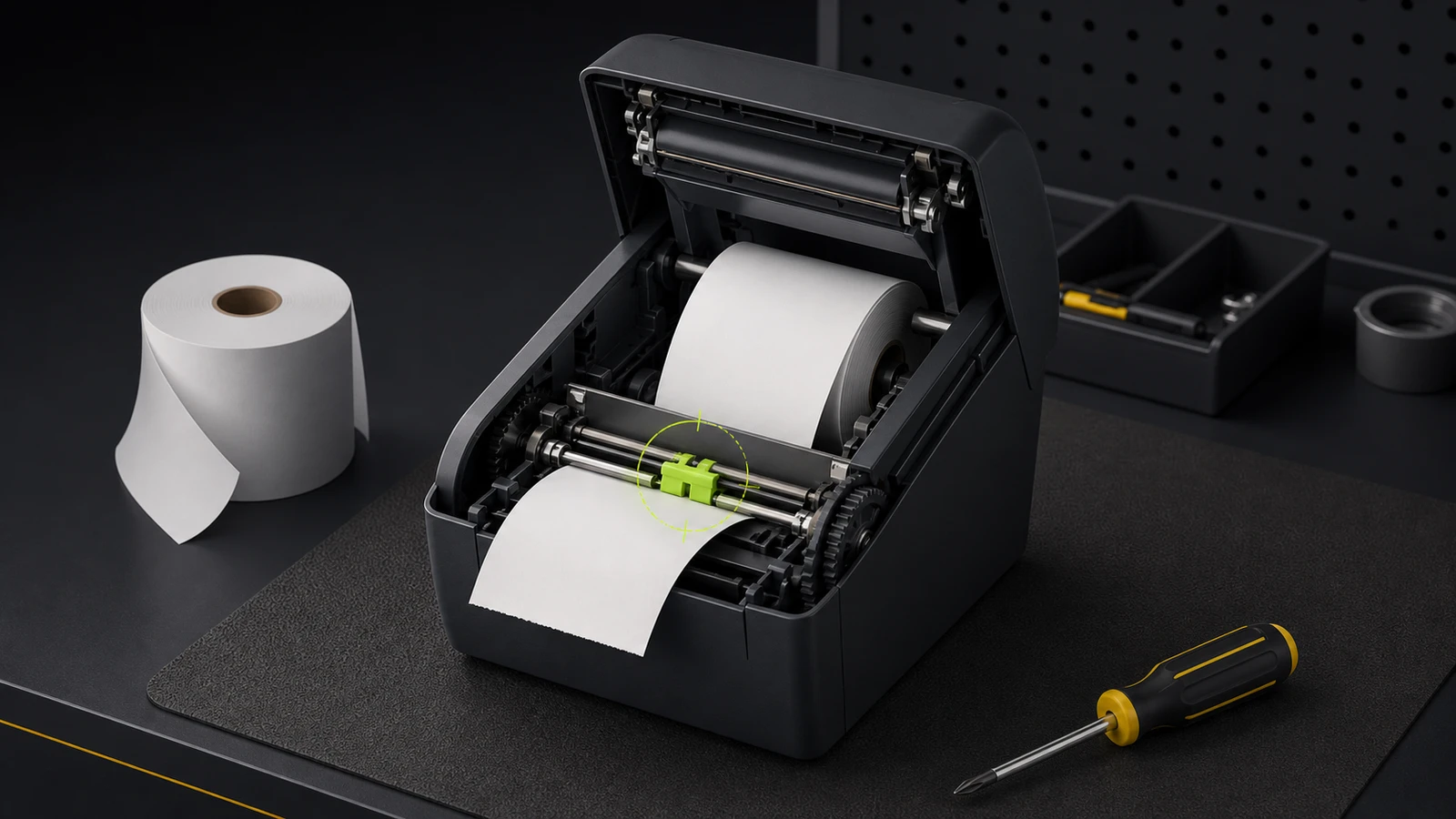
Use one controlled feed test to separate loading, cover, jam, cutter, roller, and motor faults without forcing paper or resetting settings.
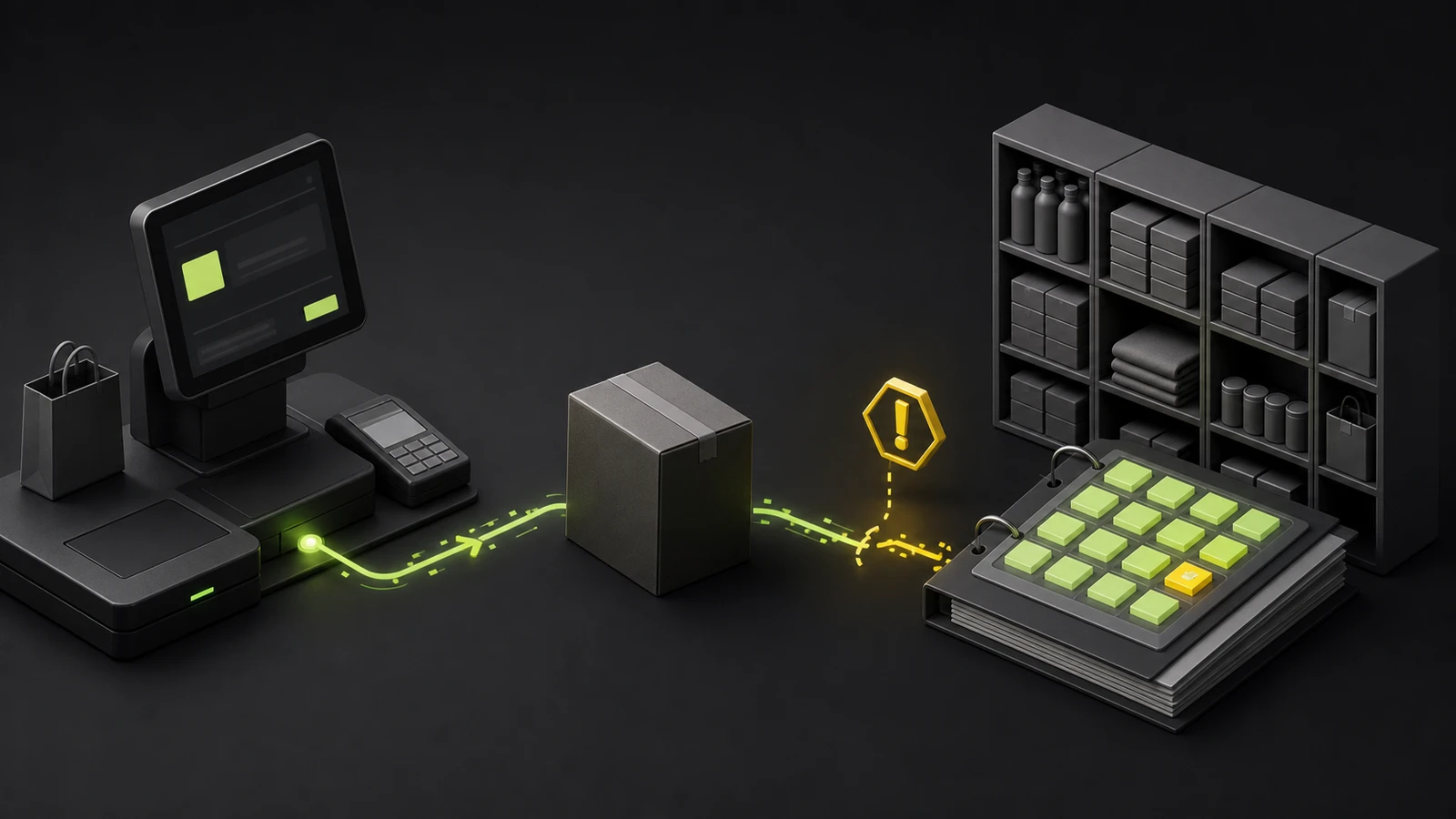
Trace Square inventory mismatches through tracking, location, history, counts, devices, and connected apps before correcting stock.
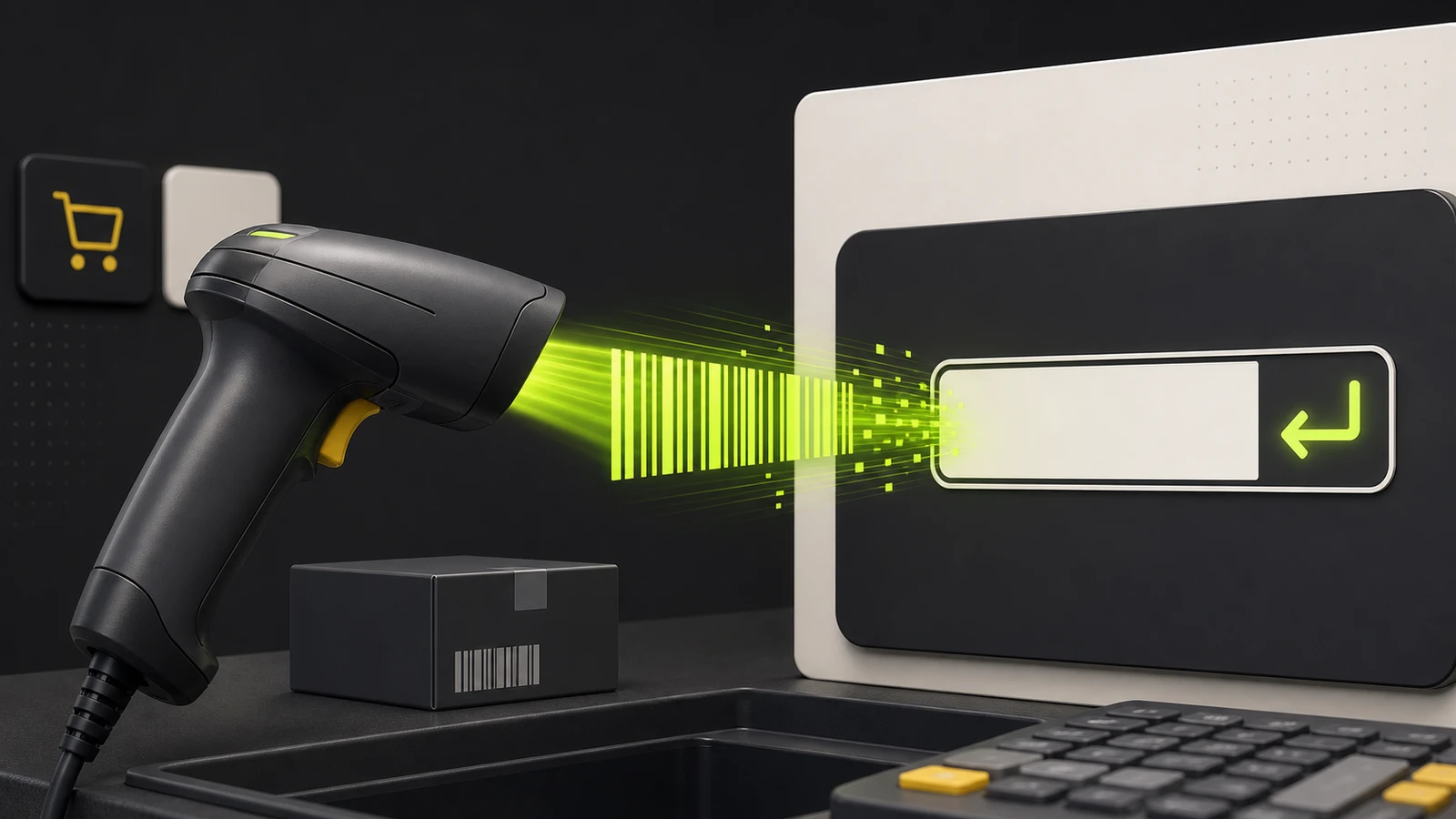
Configure a DS2208 Enter suffix, verify it safely, stage multiple scanners, and remove it without erasing unrelated settings.
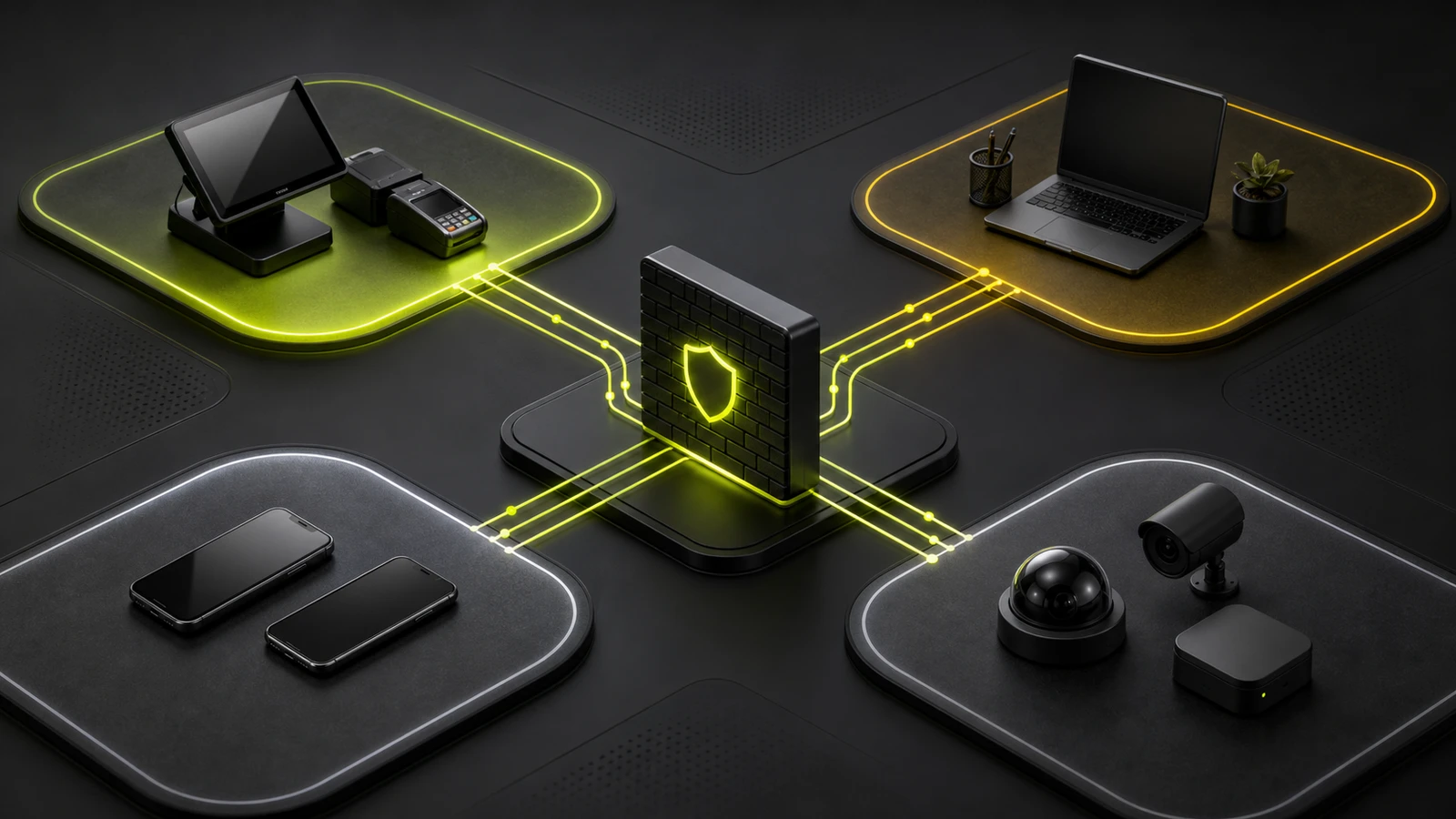
Separate POS, staff, guest, and IoT traffic without breaking payment terminals, network printers, or local device discovery.
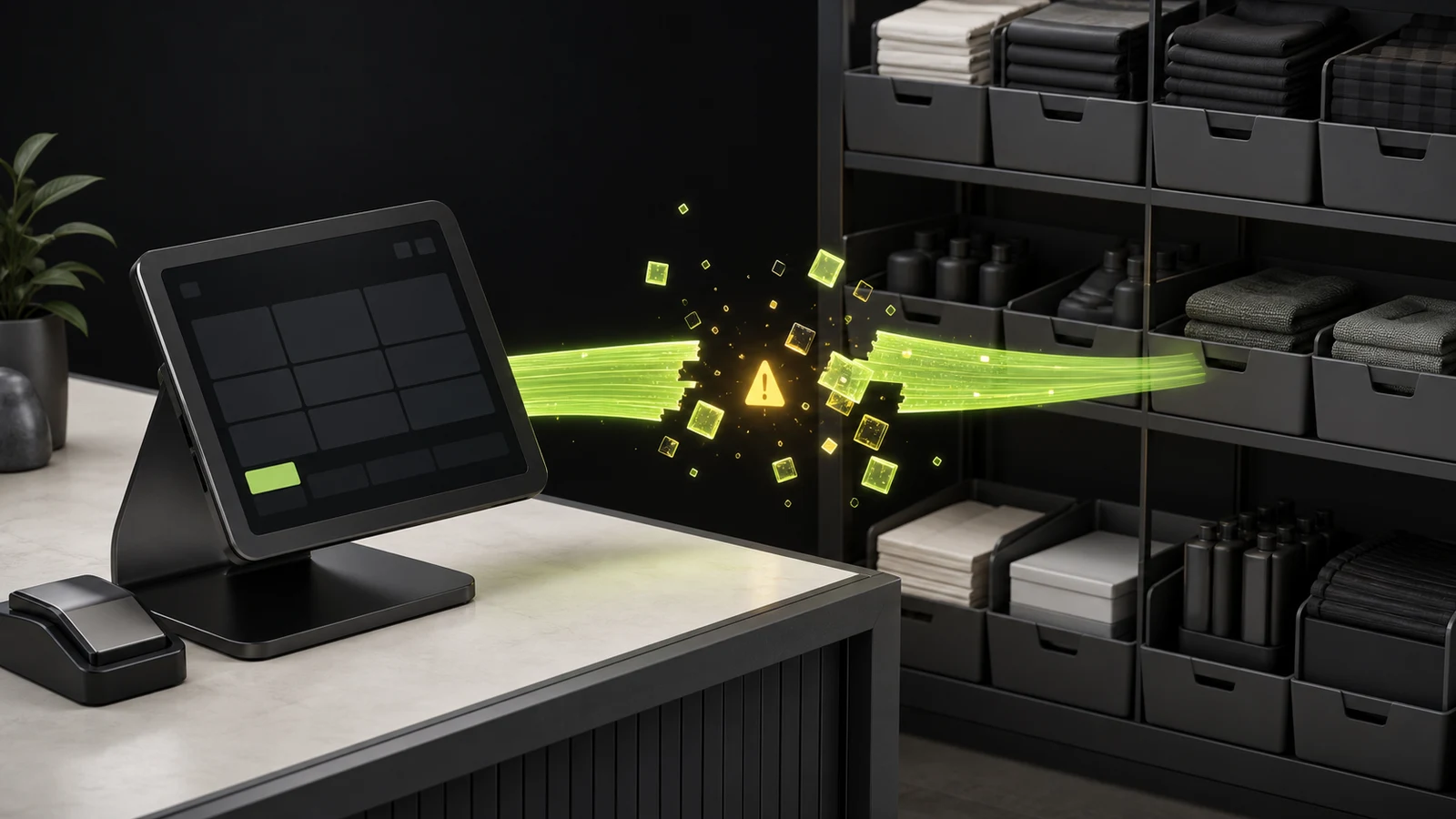
Separate stale POS data from product, location, inventory-state, and integration faults before changing Shopify stock counts.
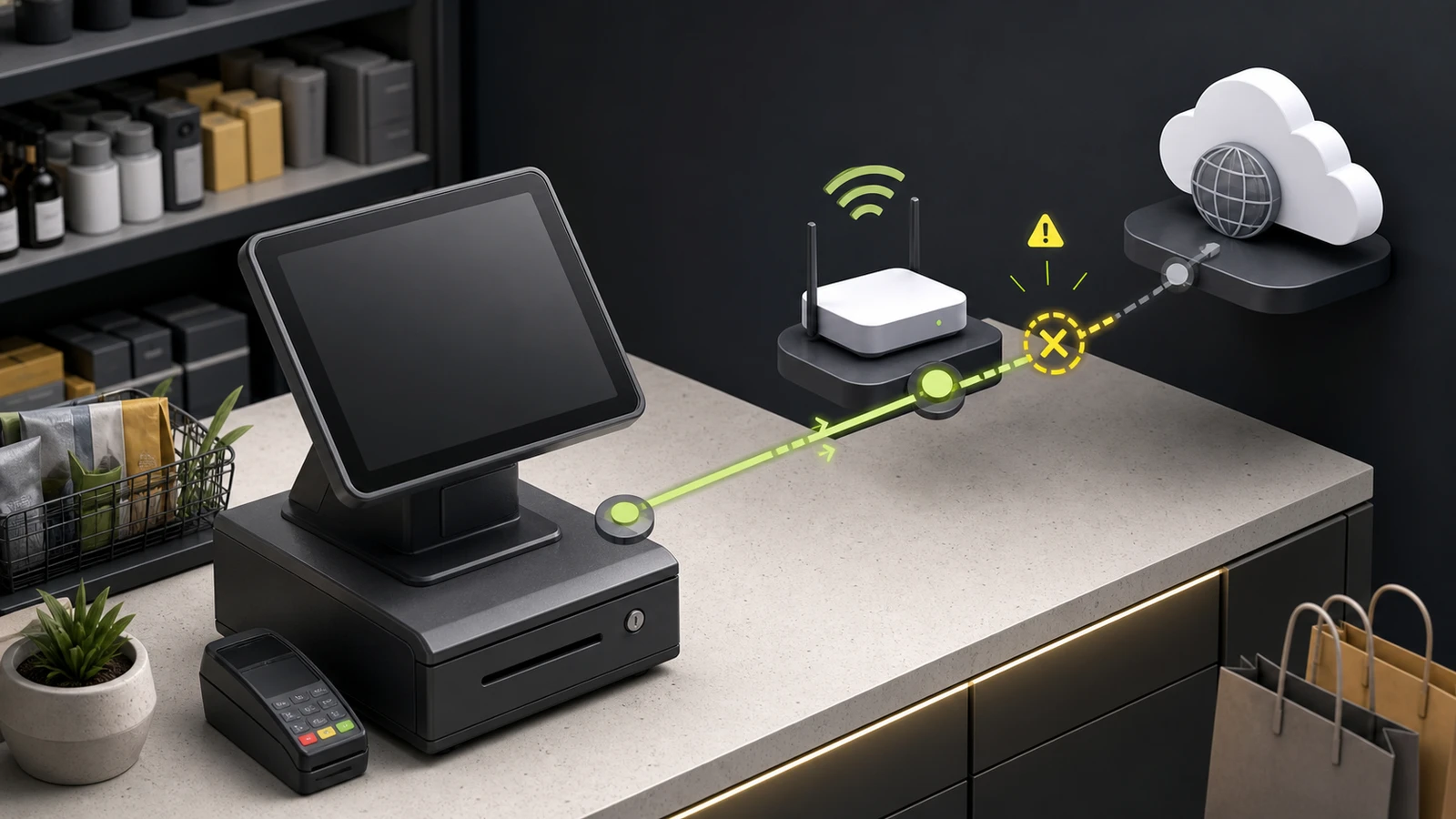
Trace recurring POS dropouts across the device, local network, internet edge, and provider service before resetting hardware.
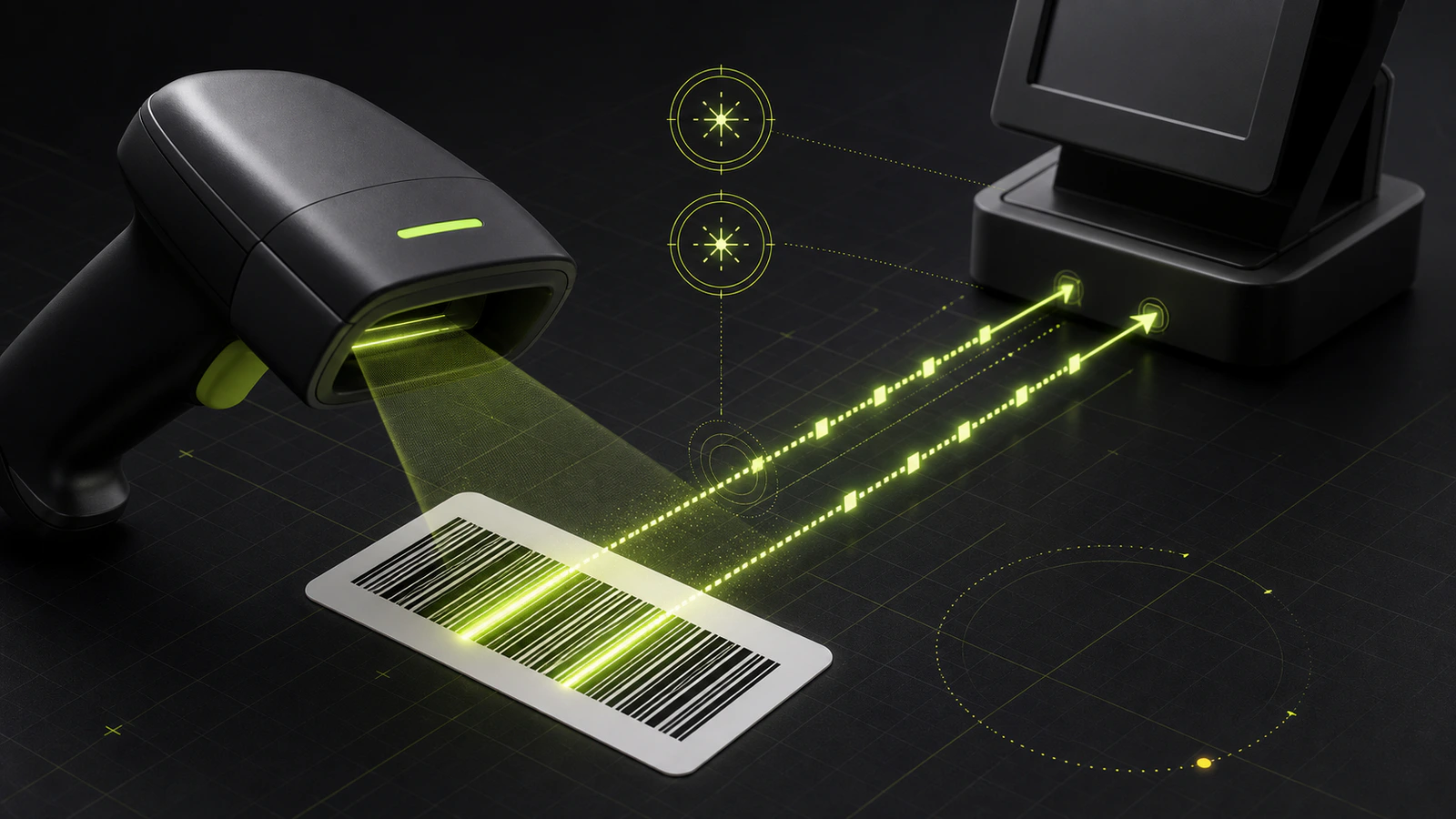
Isolate scanner rereads, duplicate host events, and POS handling before resetting a barcode scanner that enters the same item twice.
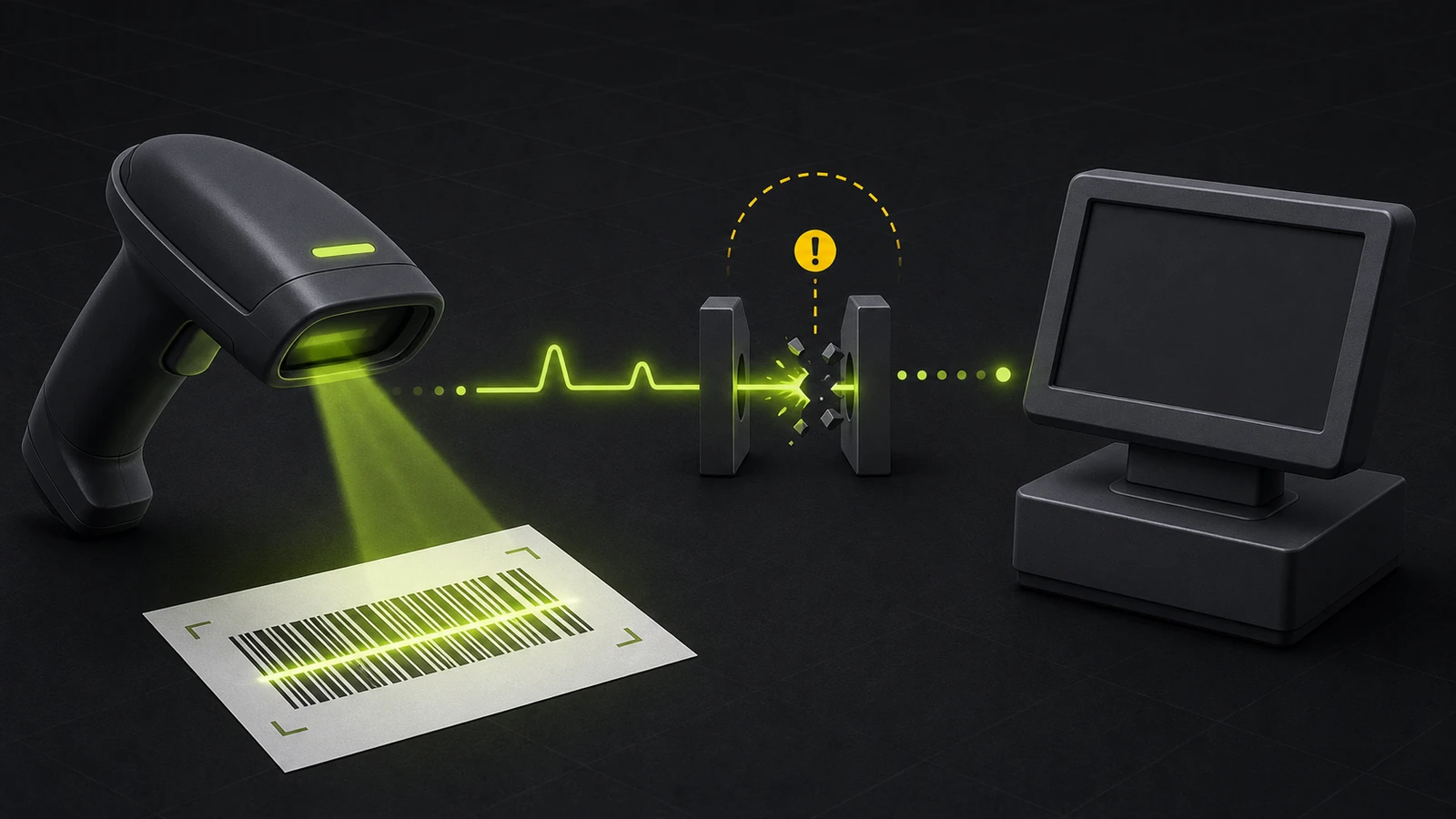
Use one safe control scan to isolate connection, host-interface, and application failures before resetting or replacing a barcode scanner.
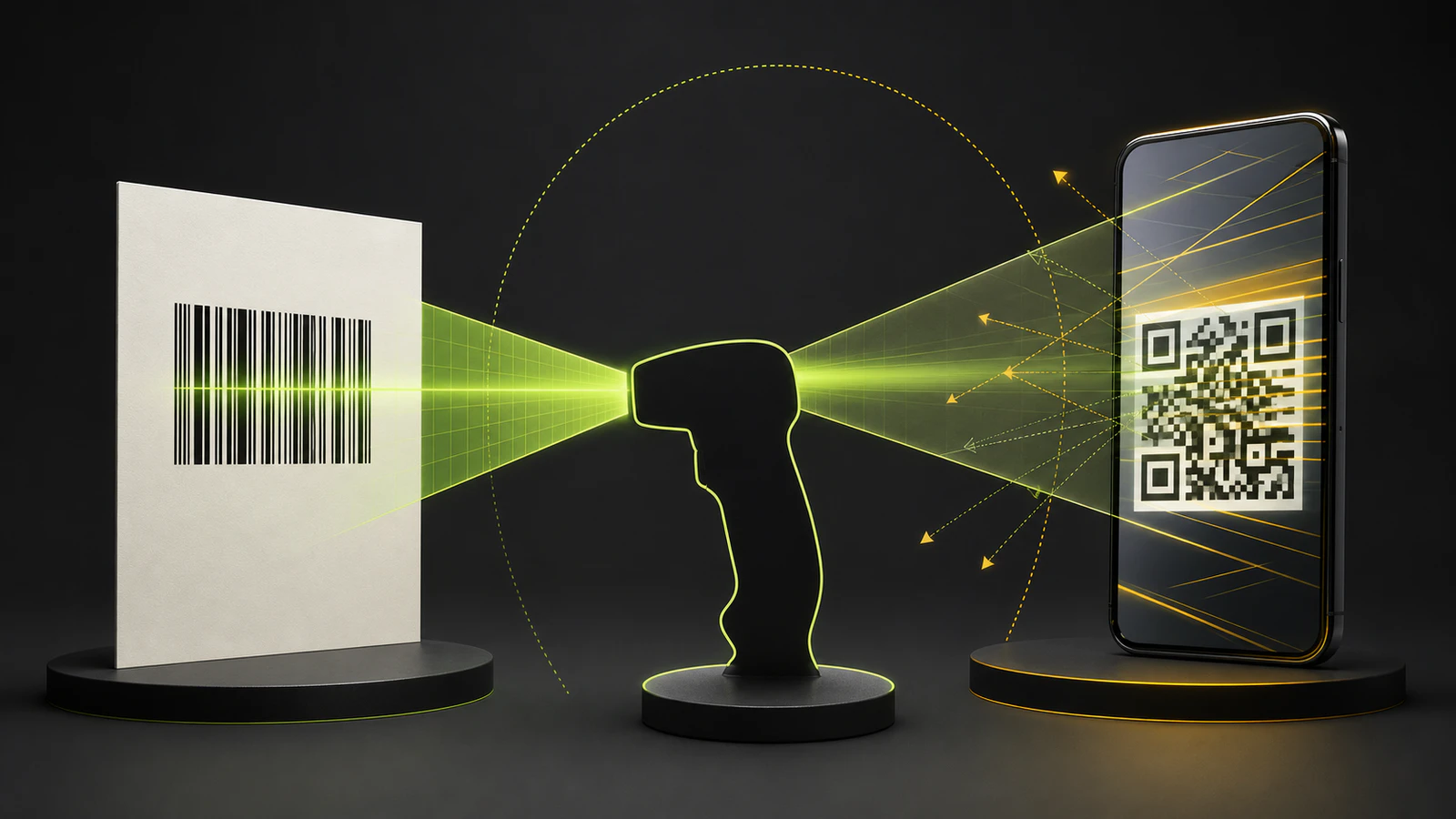
Use a paper control code to separate scanner capability, phone presentation, and POS data-path problems before resetting or replacing hardware.
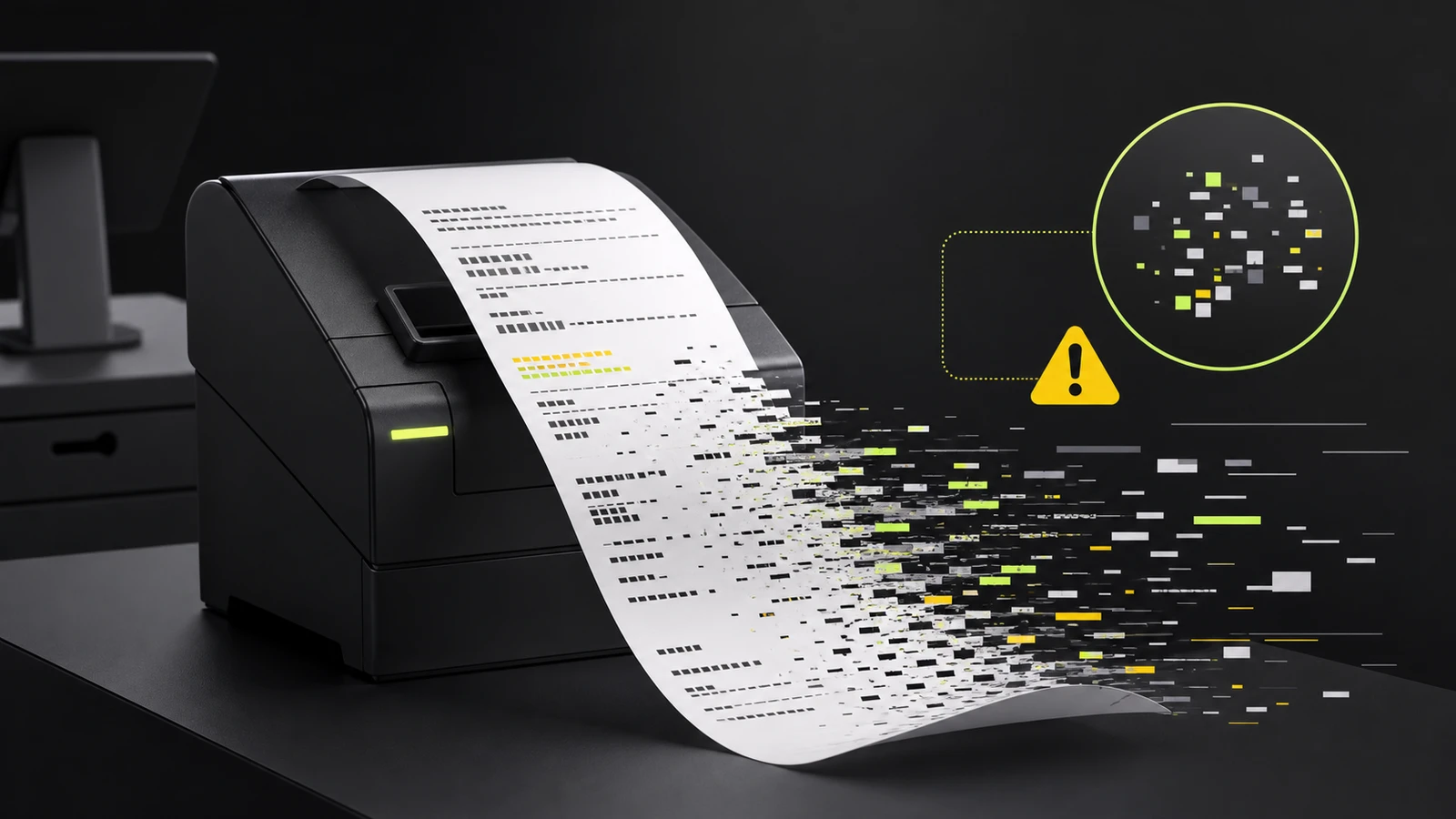
Use a self-test-first sequence to isolate random receipt output across the printer, driver, POS profile, connection, and encoding.
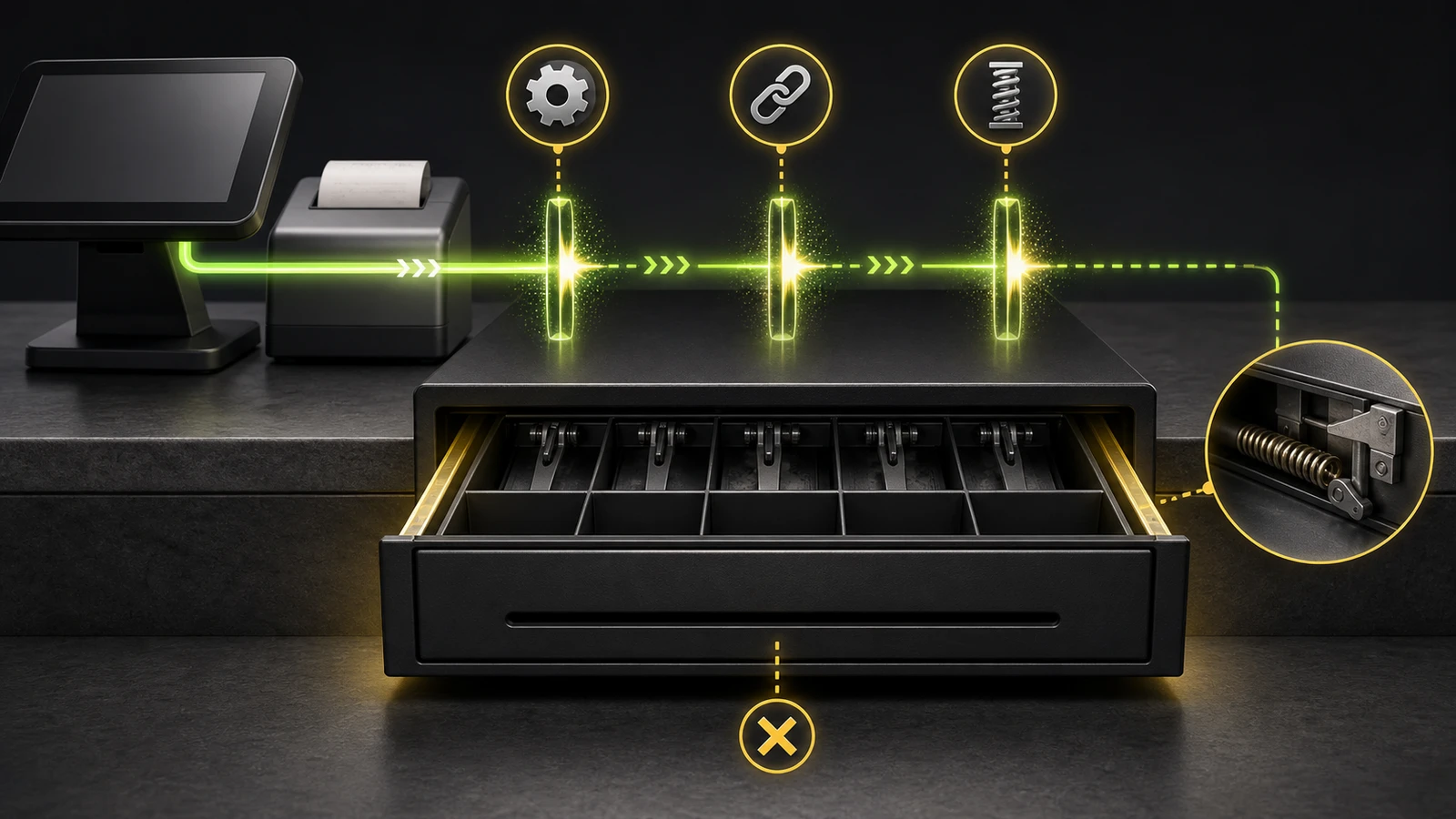
Separate mechanical, USB, printer-driven, and profile failures before resetting Square hardware or replacing a working cash drawer.
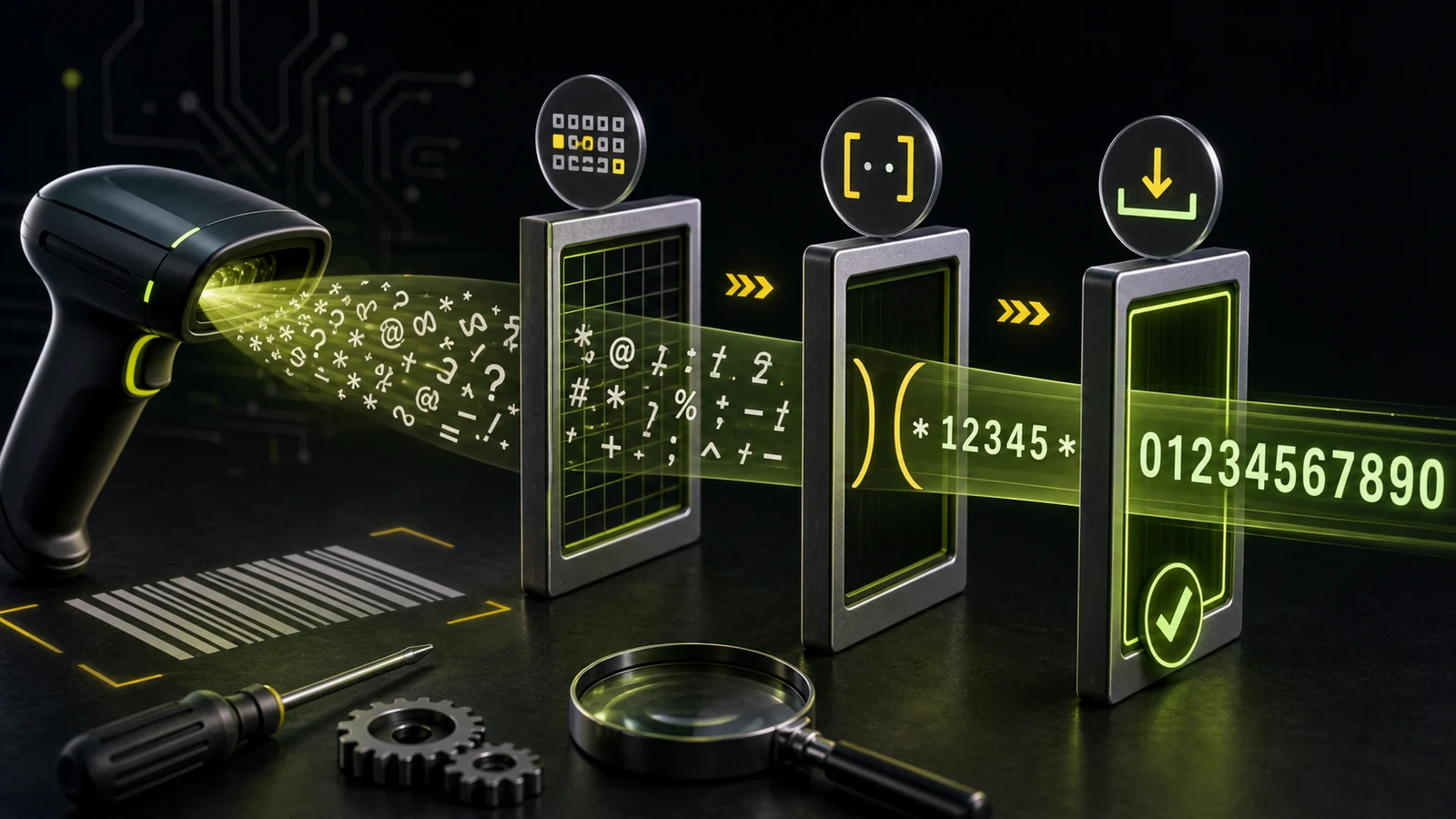
Use one controlled scan to isolate keyboard layout, prefixes, interface mode, timing, and catalog formatting before resetting the scanner.
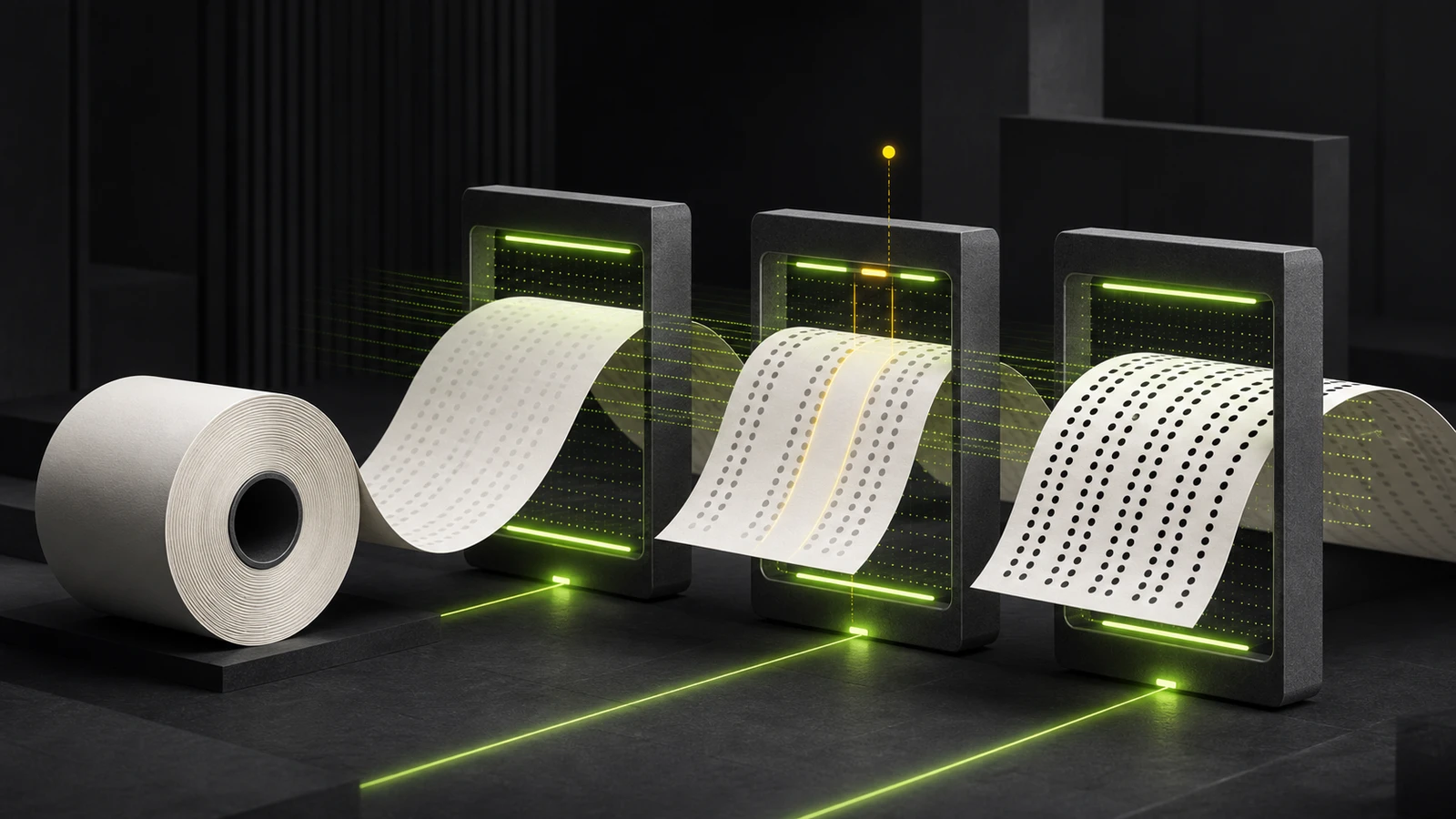
Use the receipt pattern, a self-test, and known-good paper to separate media, contamination, settings, contact, heat, and hardware faults.
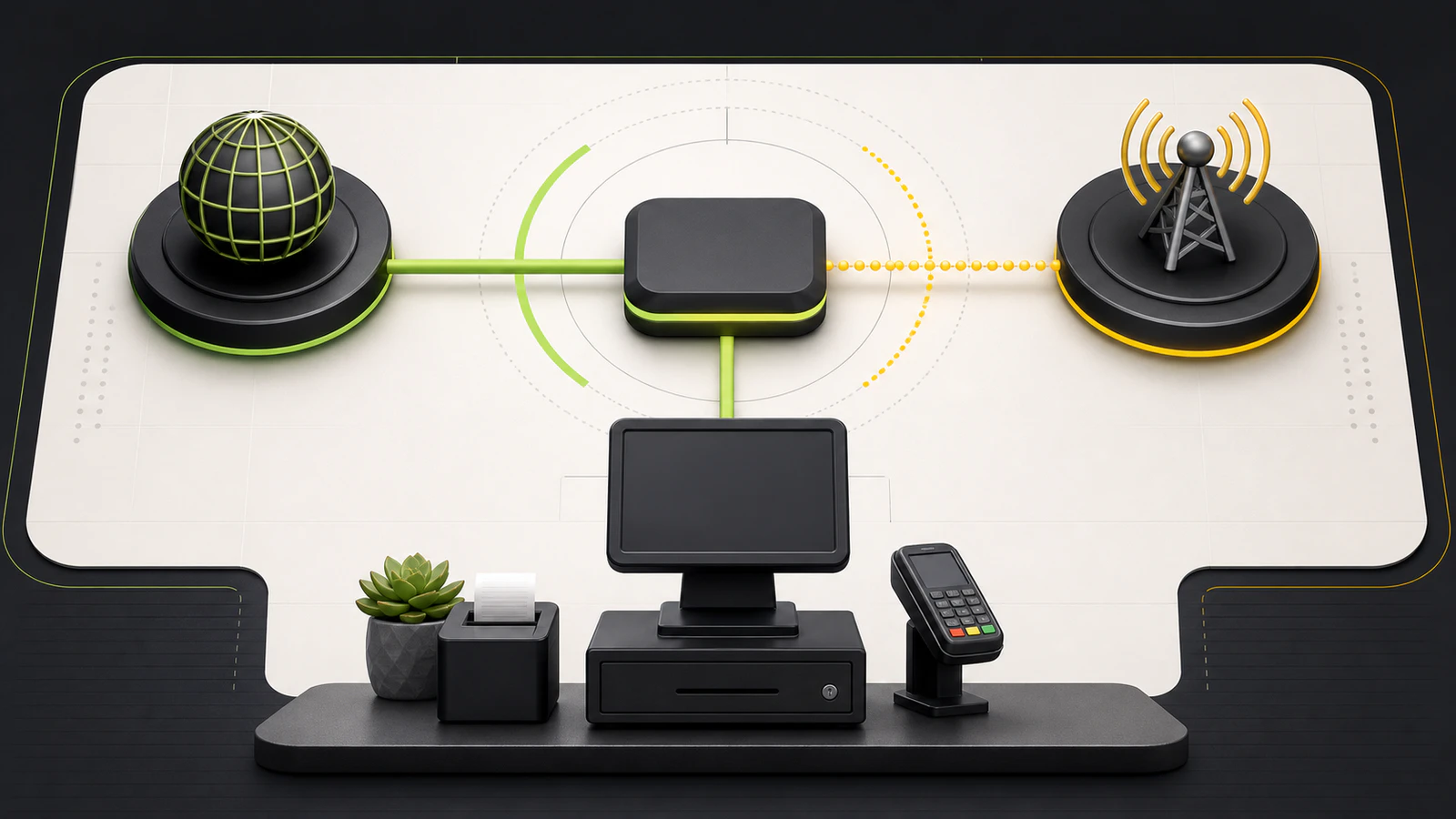
Build a POS internet backup that preserves the local checkout network, switches paths automatically, and survives a controlled outage test.

Separate receipt-printer cut settings from paper-path jams, recover safe faults in order, and know when the auto-cutter needs service.
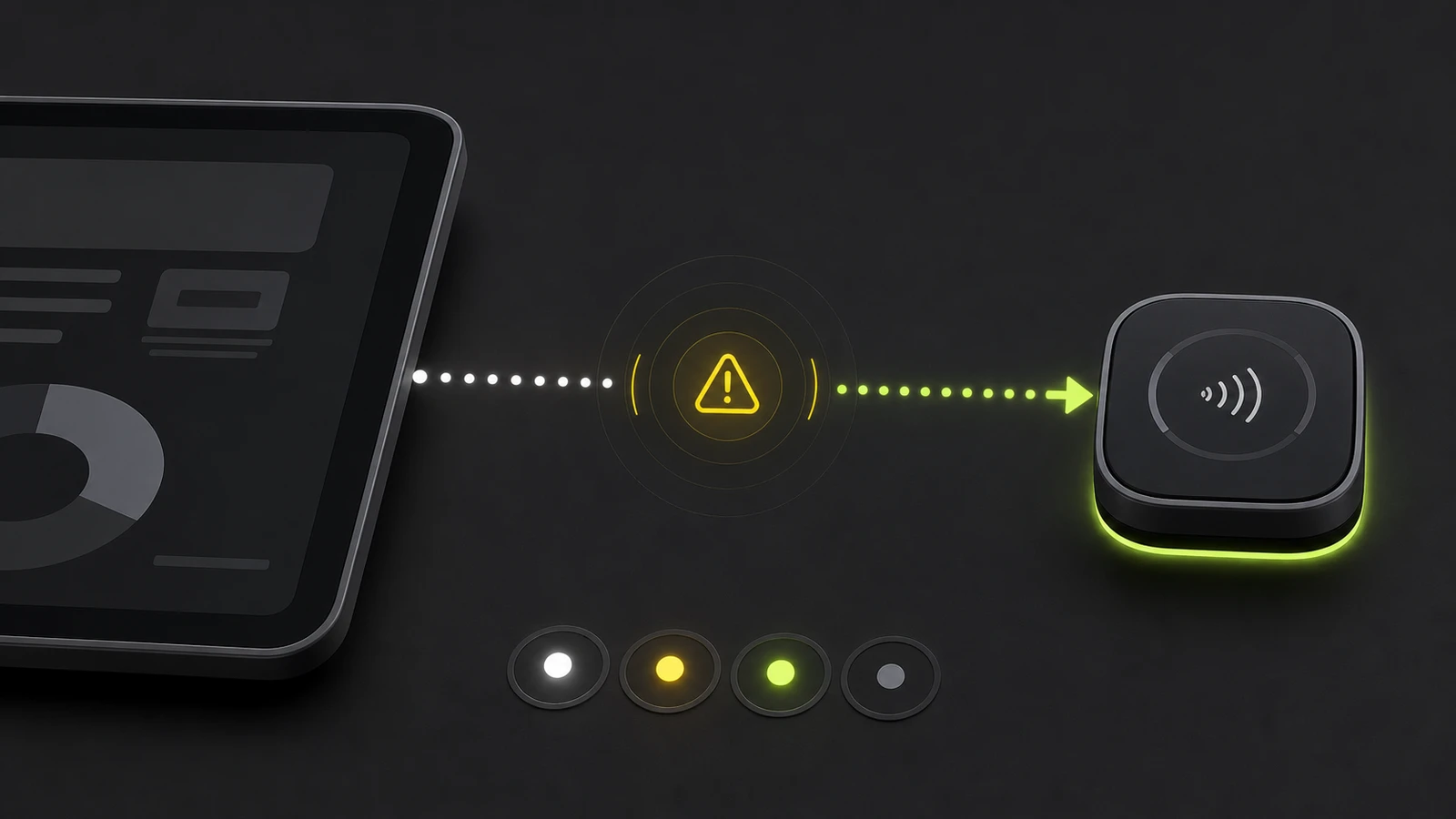
Use a safe diagnostic order to reconnect a Shopify Tap & Chip reader without erasing support logs or resetting working hardware blindly.
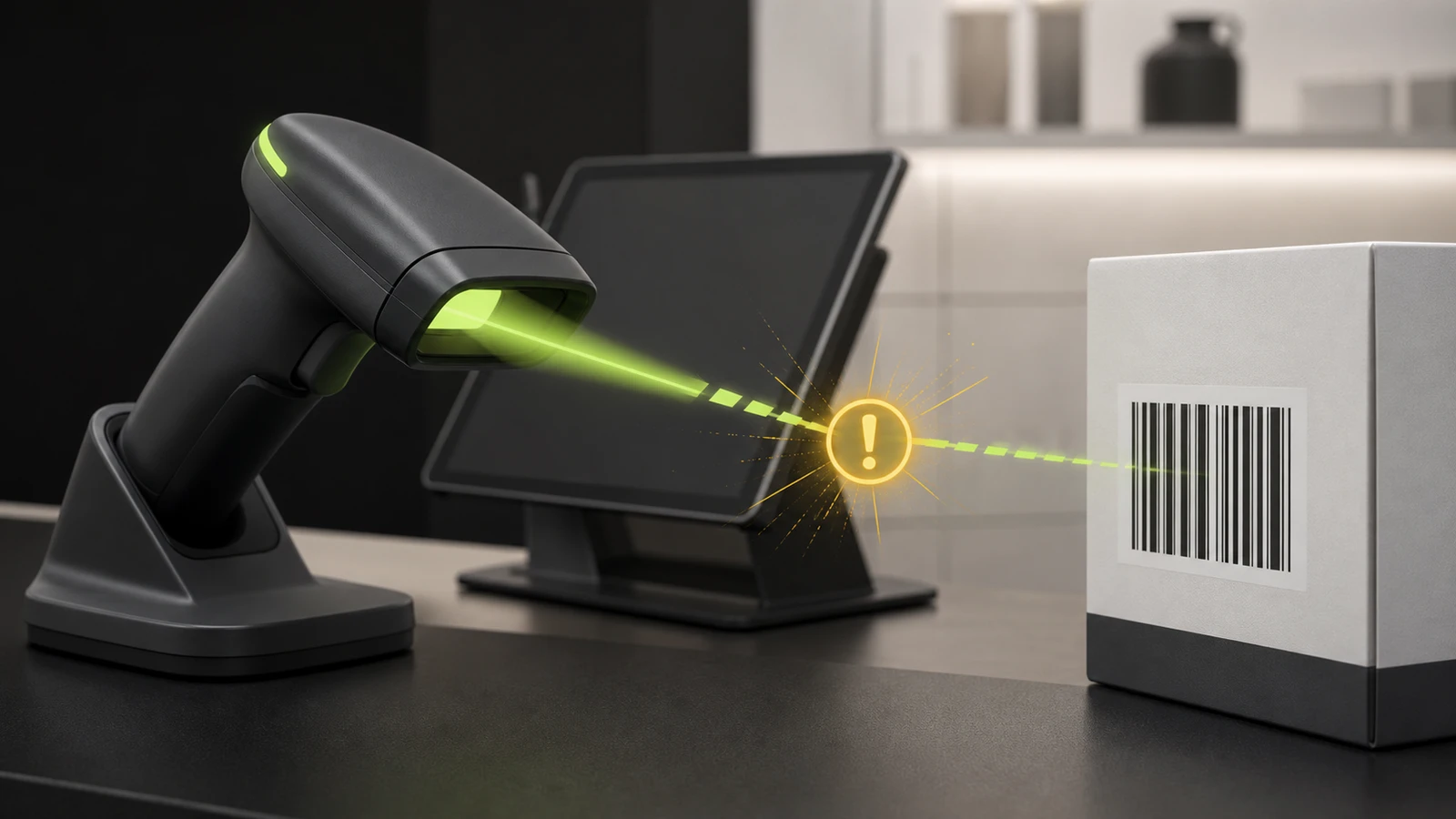
Use three controlled checks to find whether a Shopify POS scanning failure is the scanner, connection, label, or product catalog.
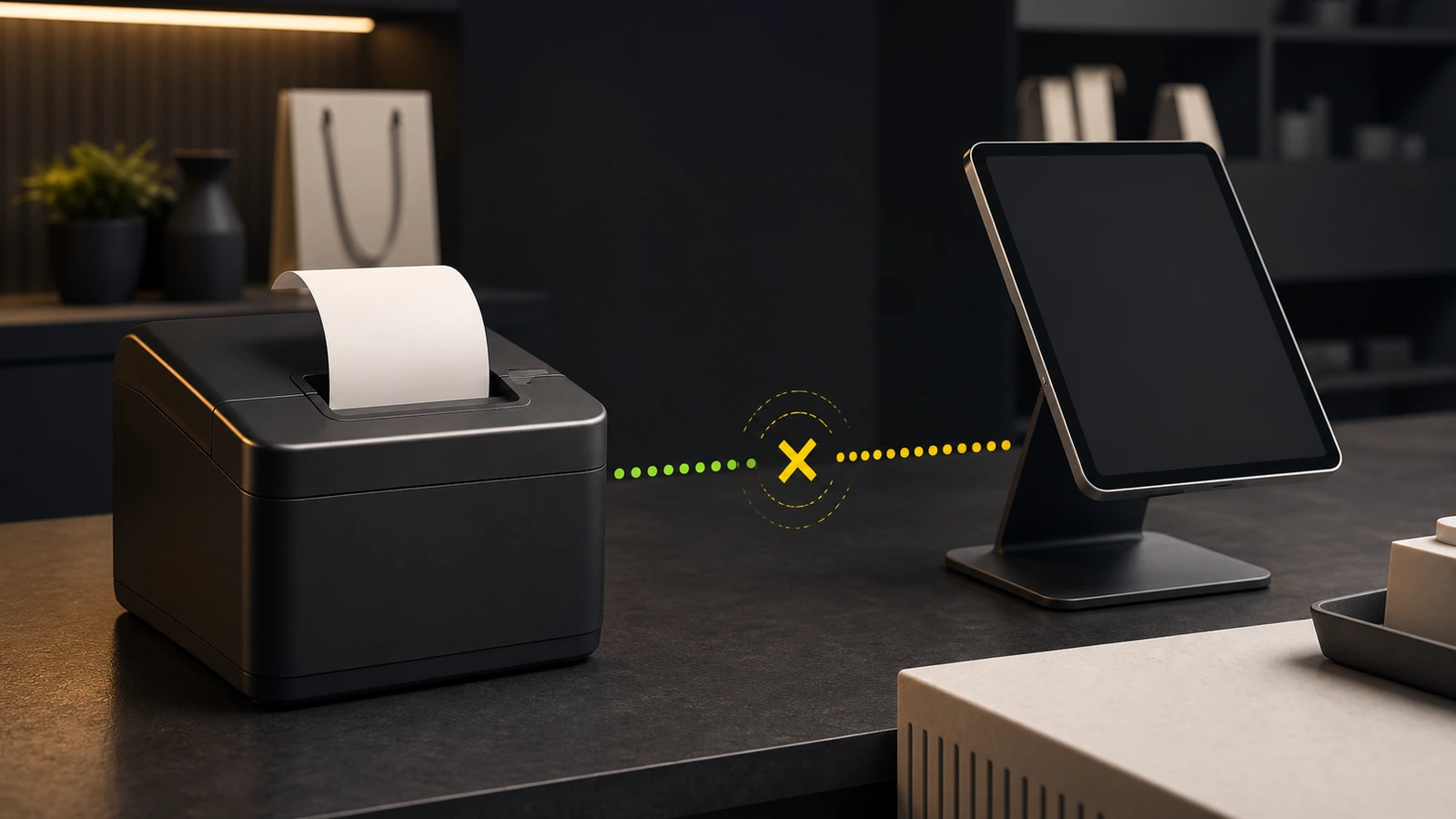
Use three controlled print checks to isolate a Square receipt-printer fault without resetting working hardware or risking pending payments.
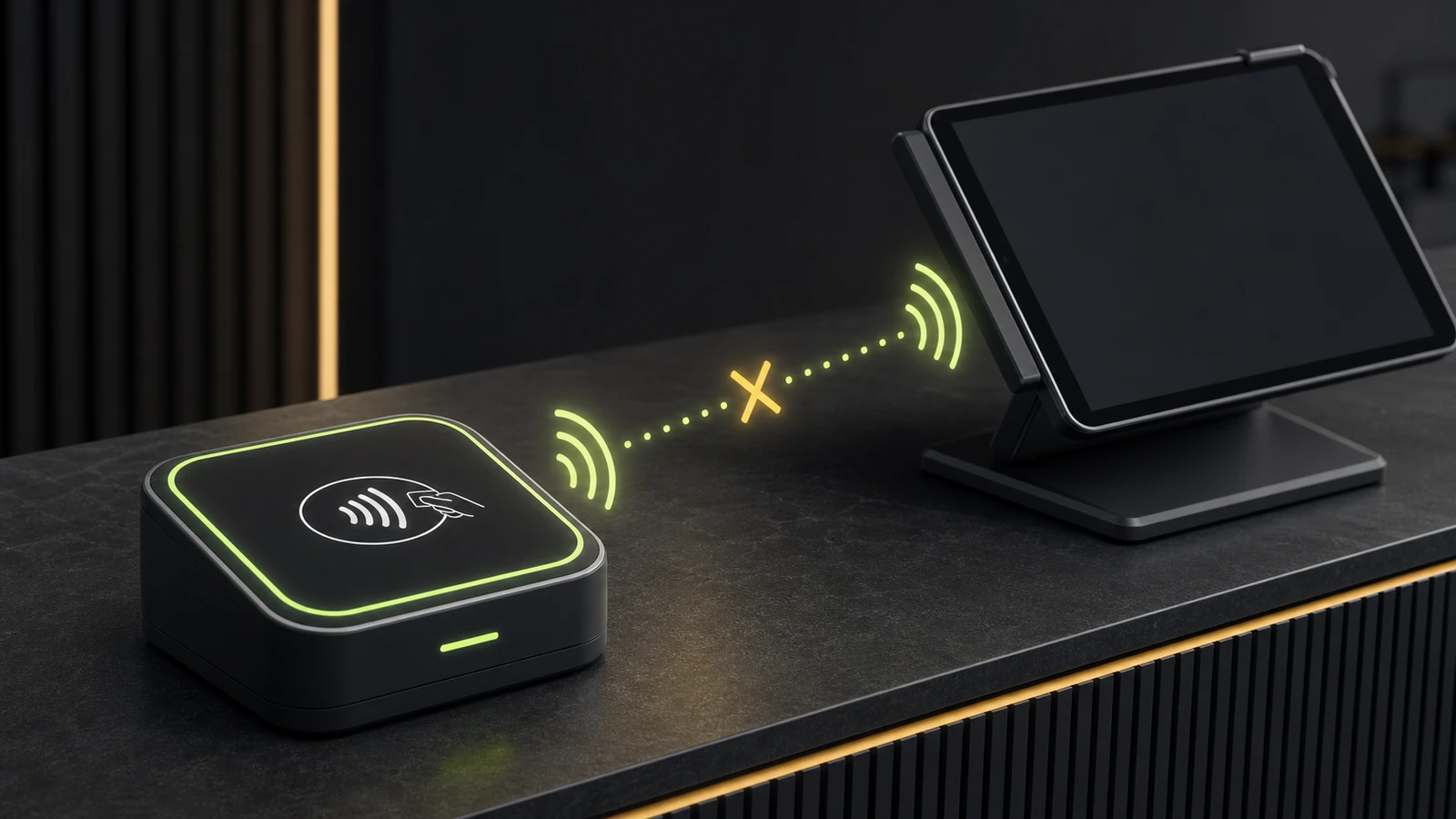
Use a safe diagnostic order to reconnect a Square Reader without erasing pending offline payments or resetting working hardware.
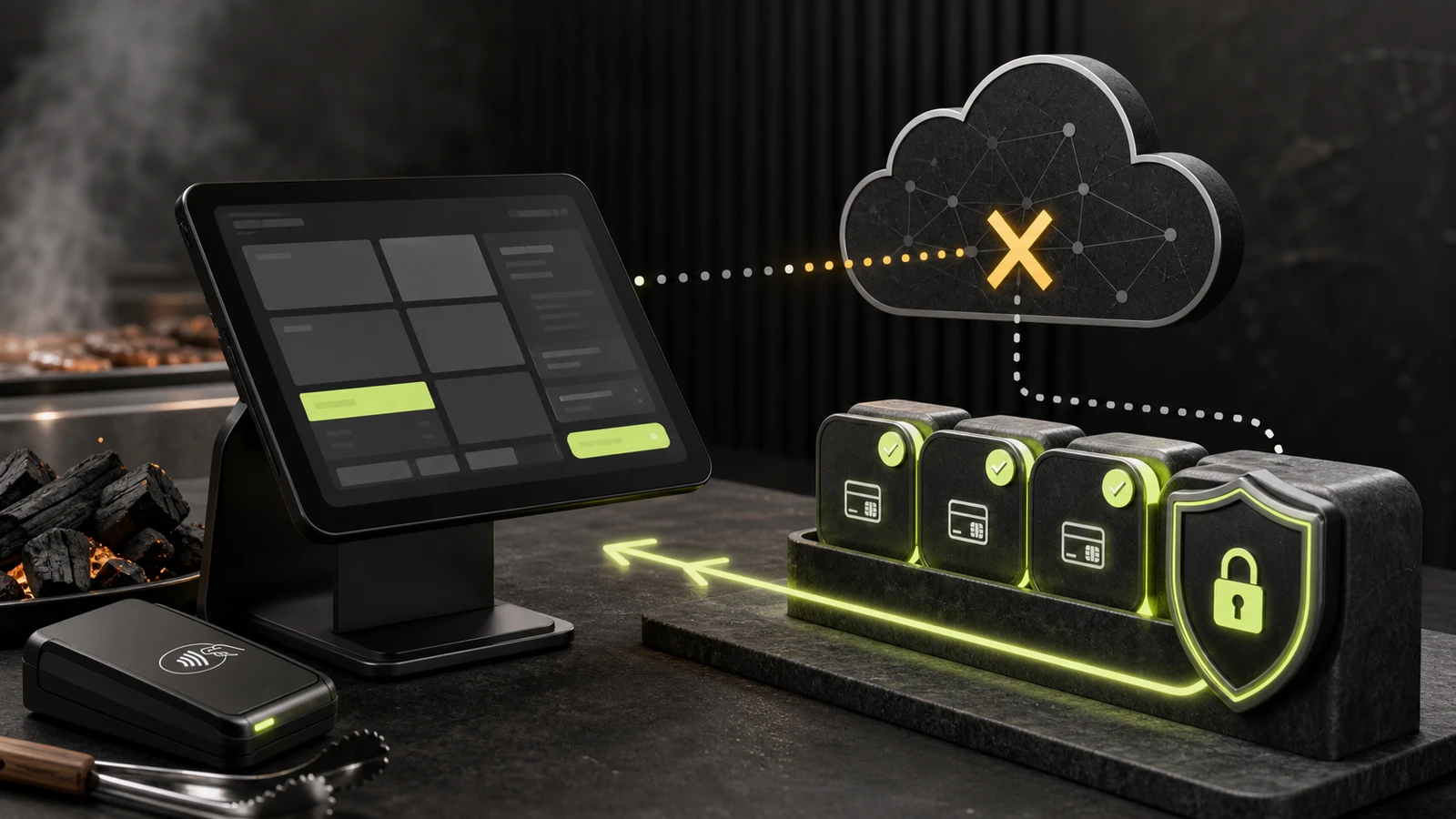
Prepare Shopify POS for an internet outage with compatible hardware, safe payment limits, staff permissions, and a controlled recovery plan.
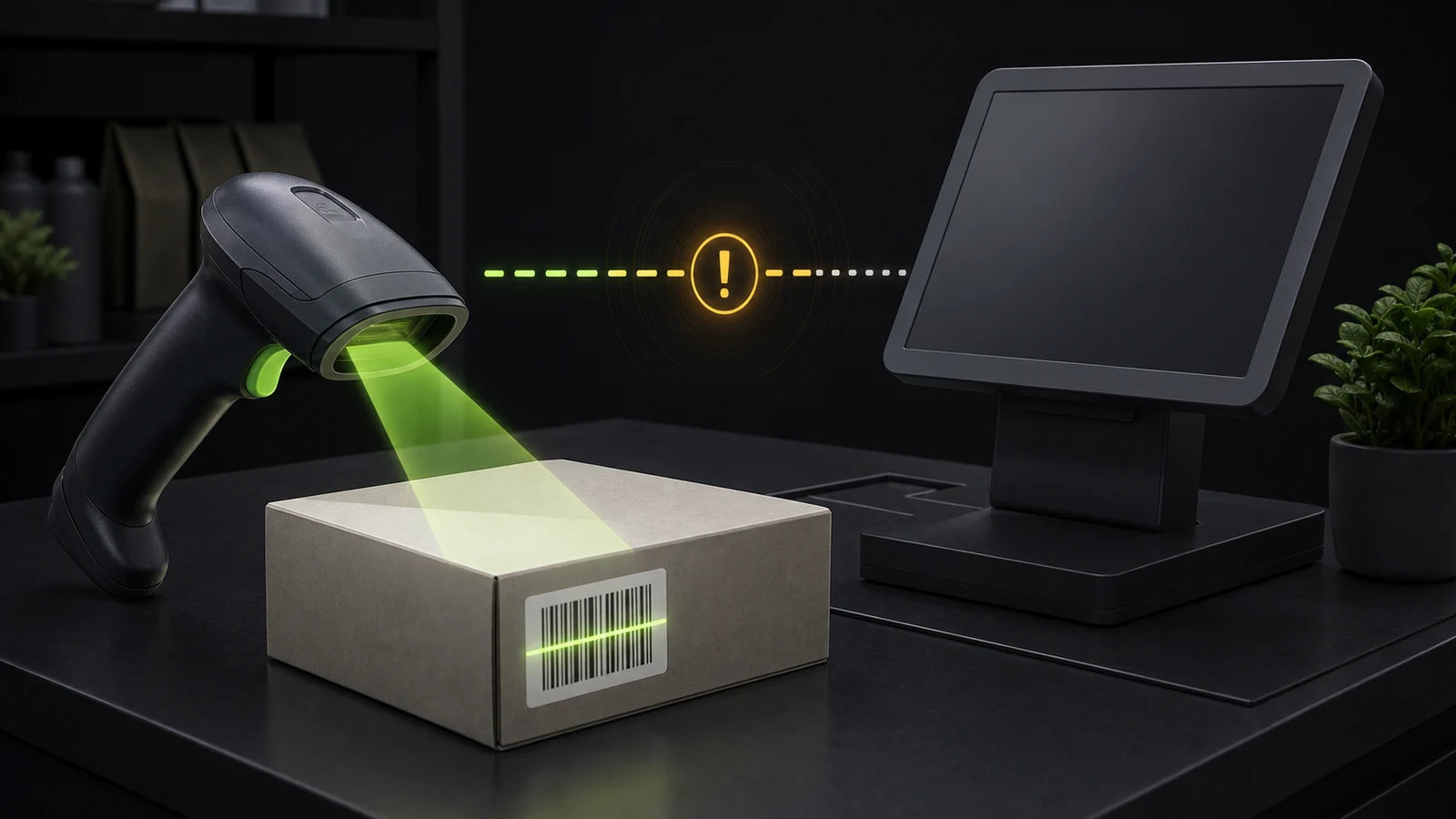
Separate Square scanner connection, barcode-reading, and item-match failures before resetting hardware or replacing parts.
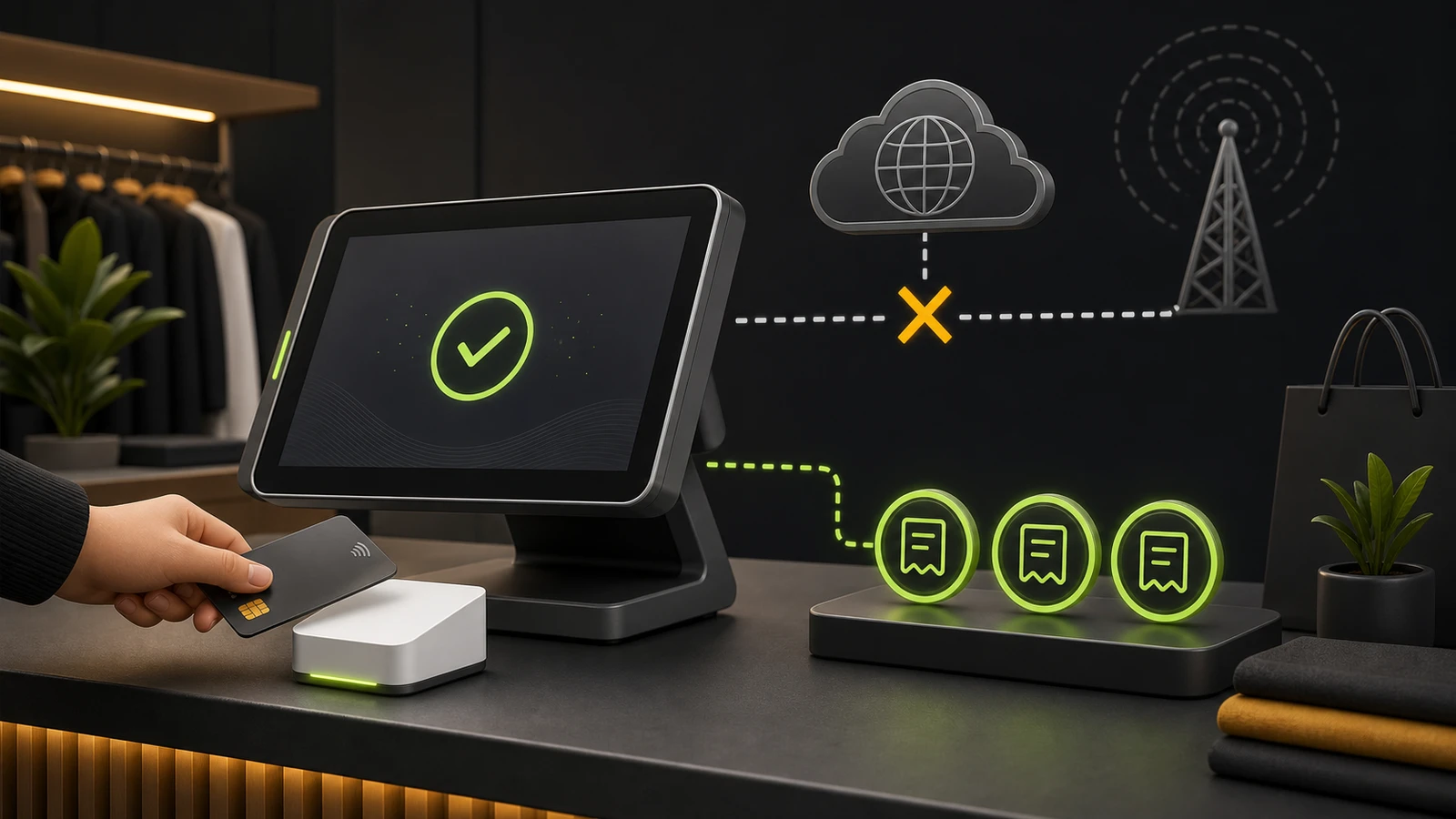
Configure Square offline mode, confirm supported hardware, protect pending payments, and recover safely after an internet or service outage.
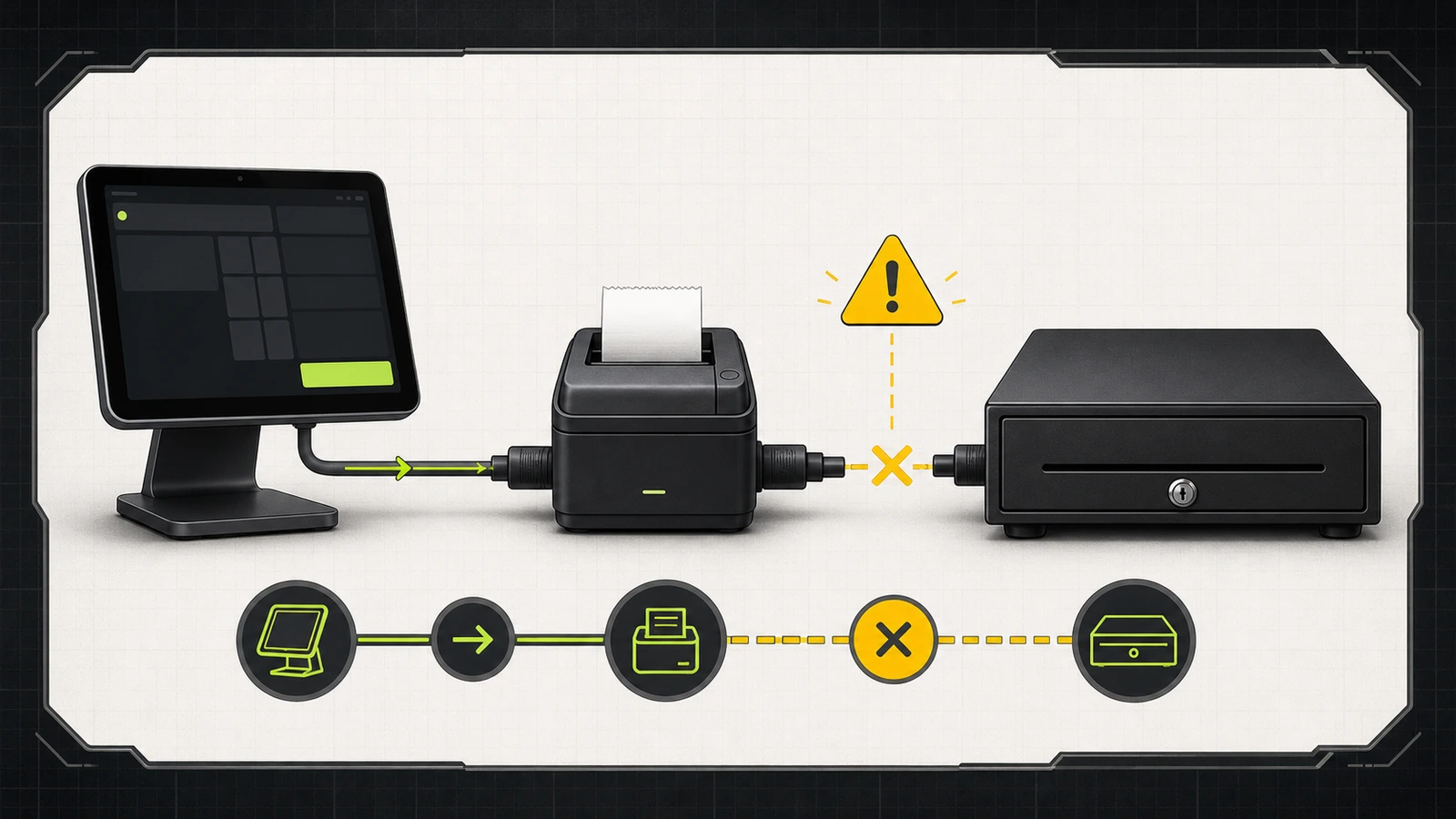
Use a safe test sequence to separate a jammed drawer, failed printer path, cable fault, permission issue, or Shopify POS setting.
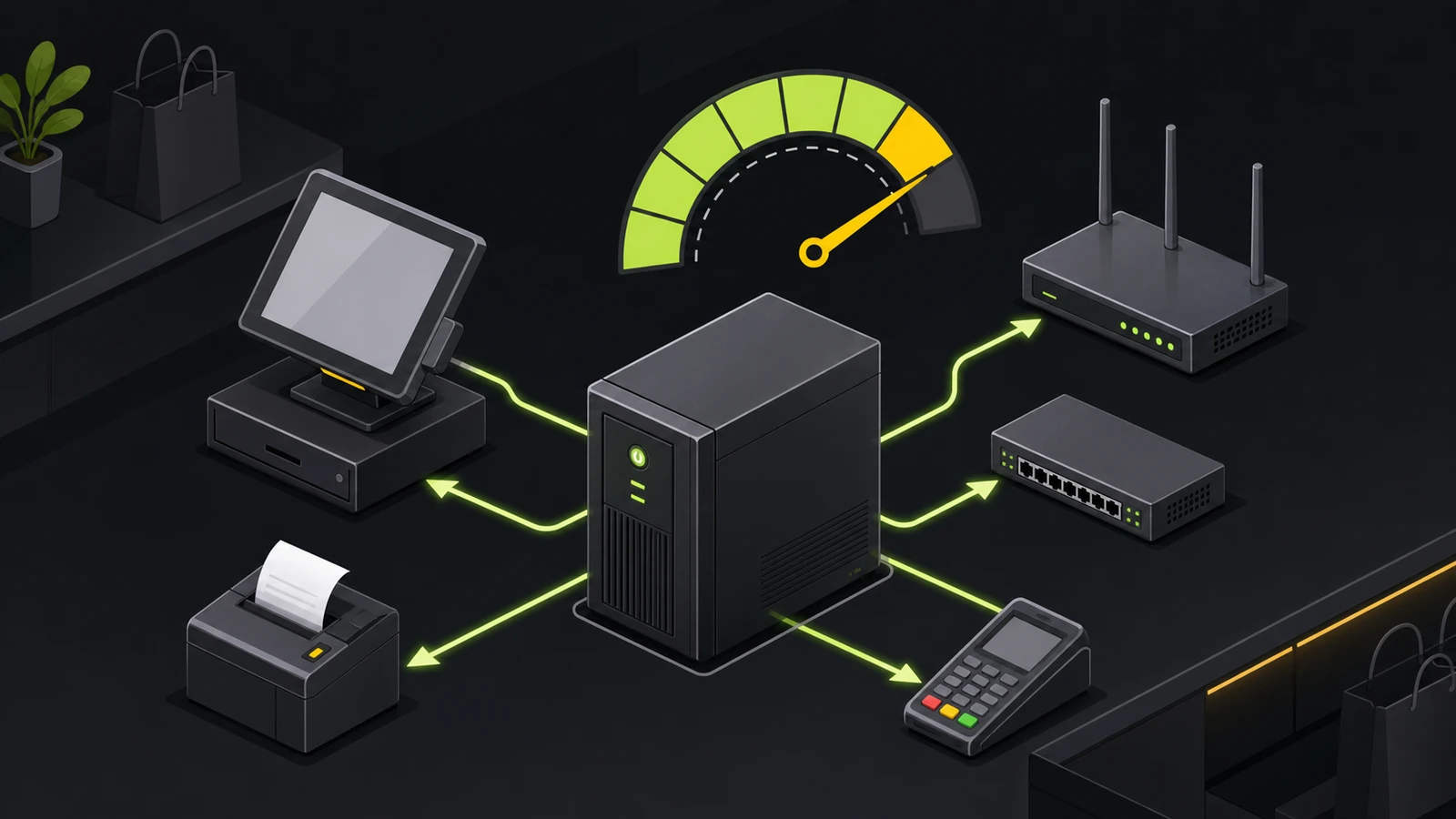
Build a defensible POS backup-power plan by separating critical loads, adding capacity headroom, checking runtime curves, and testing recovery.
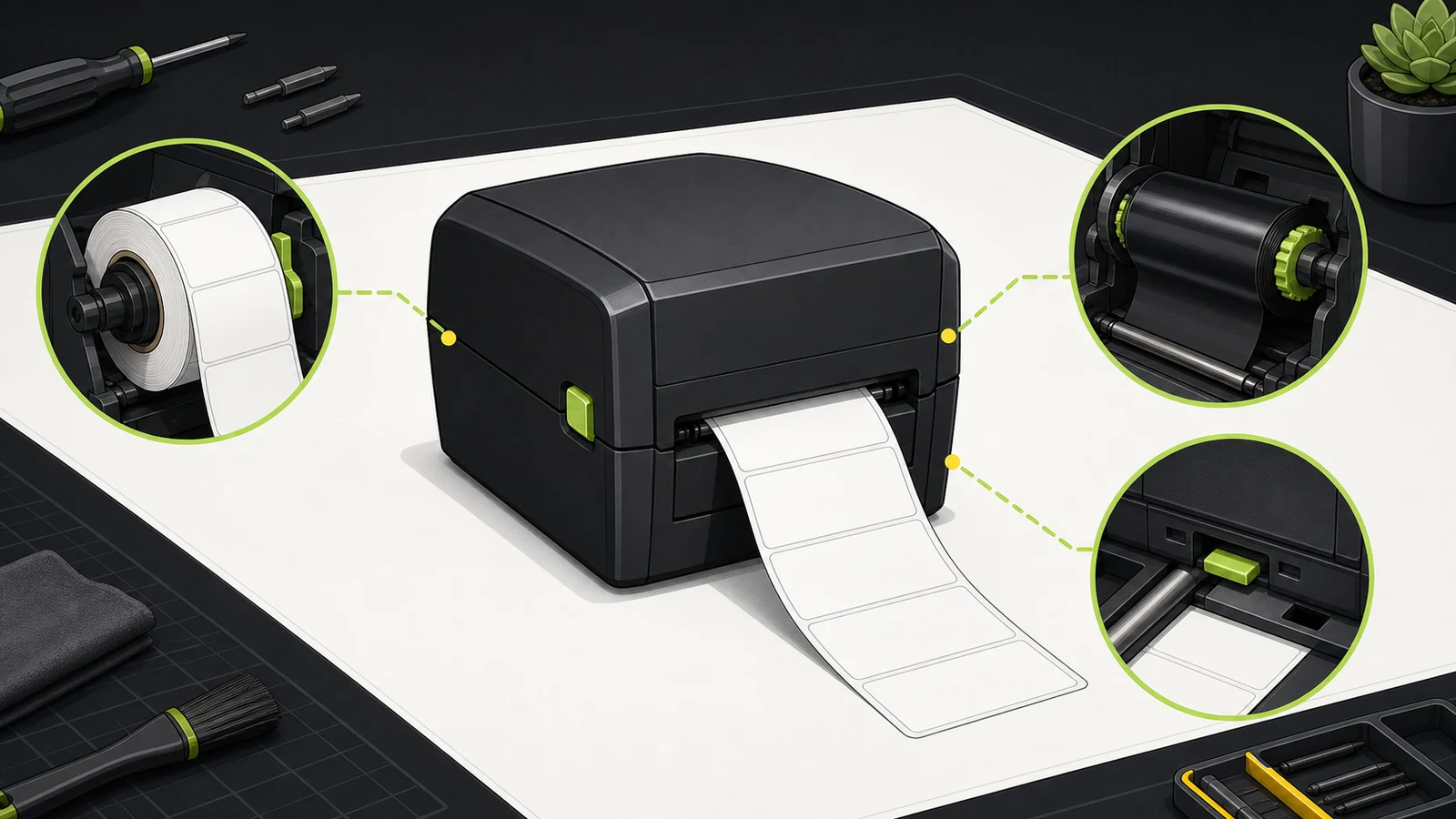
Diagnose completely blank output, extra blank feeds, and alternating labels before resetting a Zebra thermal printer or replacing hardware.
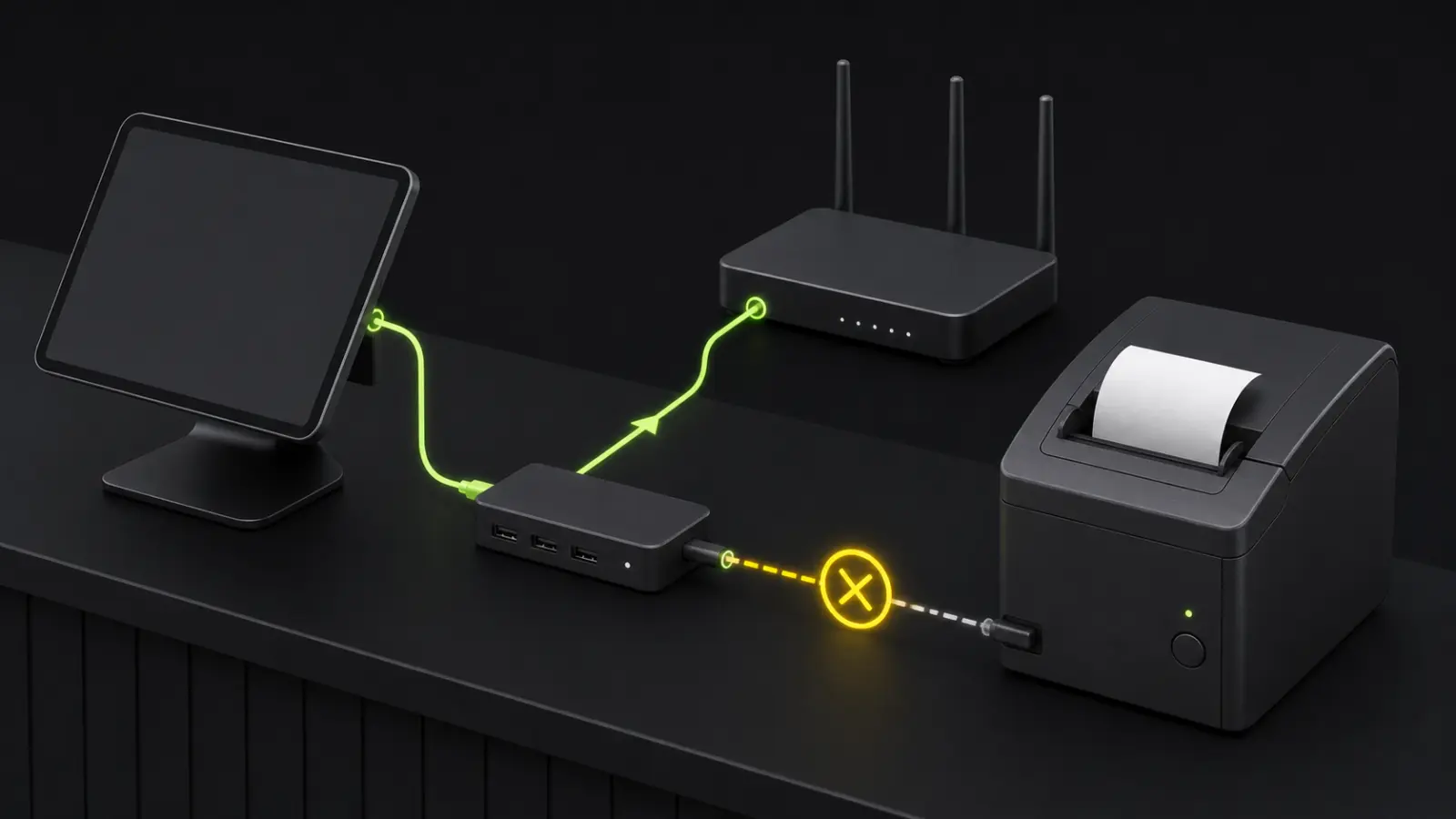
Use a least-disruptive diagnostic sequence to isolate Shopify POS receipt printer failures across hardware, connections, and receipt settings.
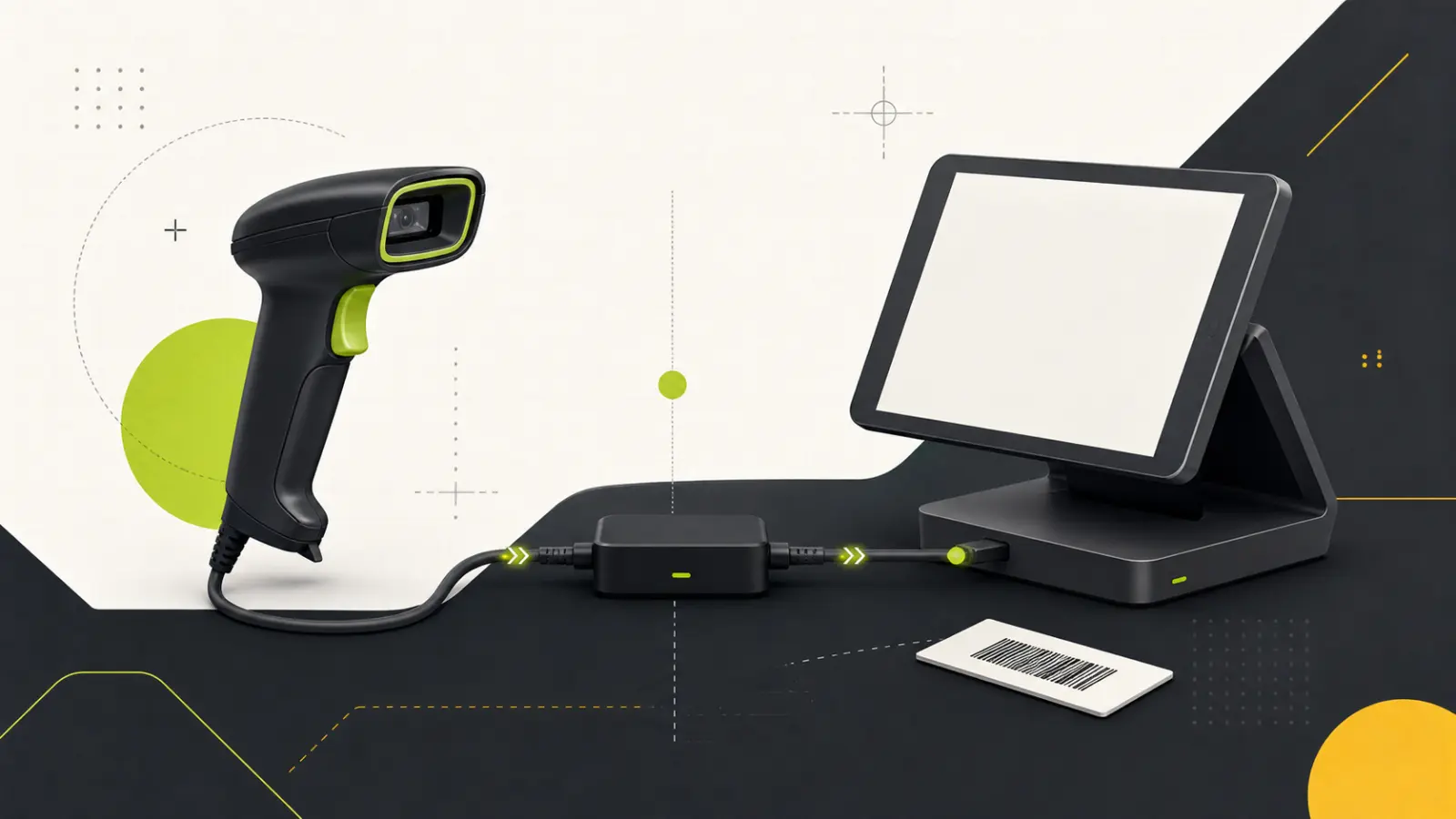
Choose a Square-compatible barcode scanner by POS hardware, connection type, required extras, recovery path, and verified current support.
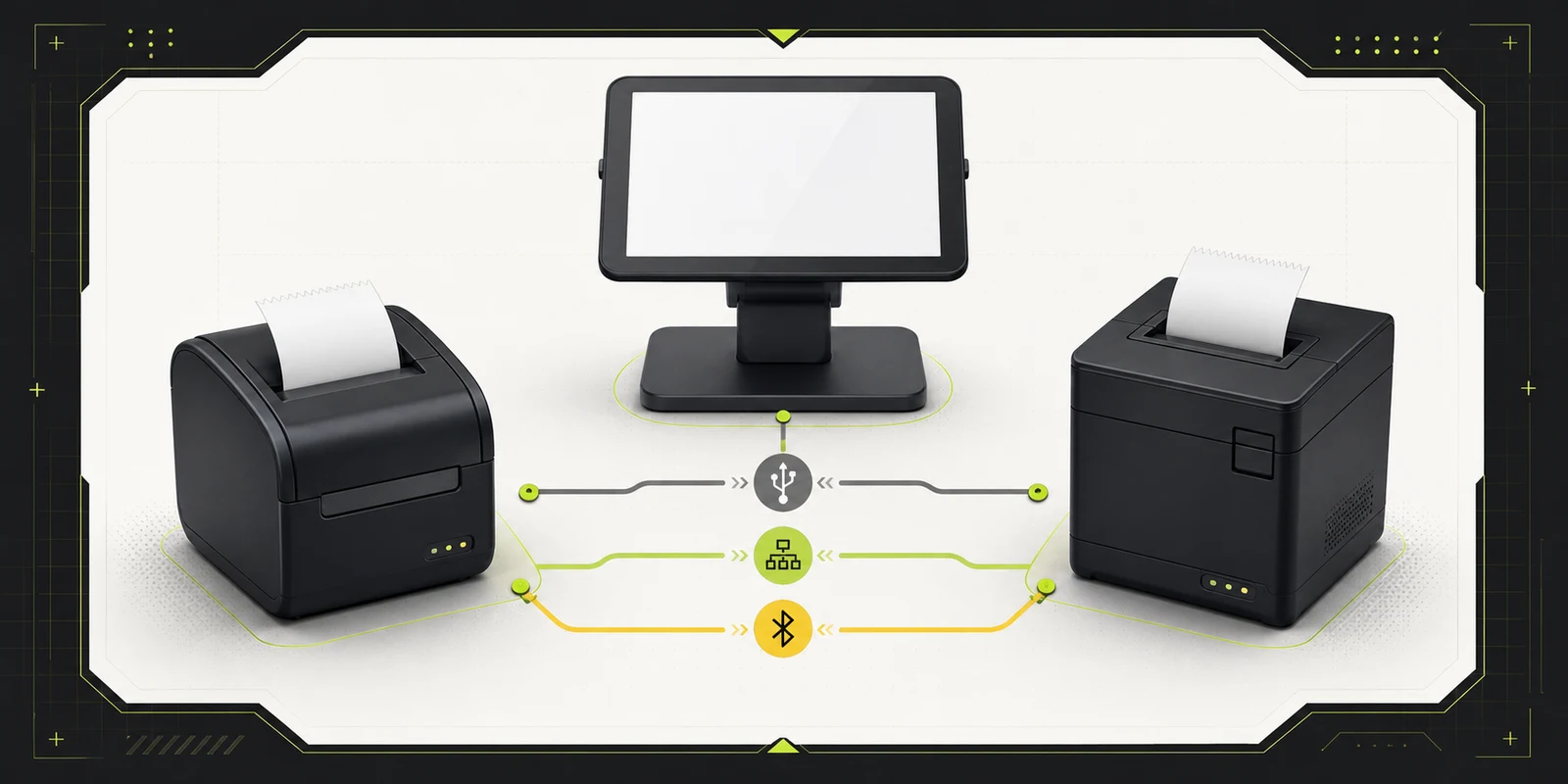
Compare Epson TM-m30III and Star mC-Print3 for Shopify POS by connection path, multi-tablet use, accessories, pricing, and deployment risk.
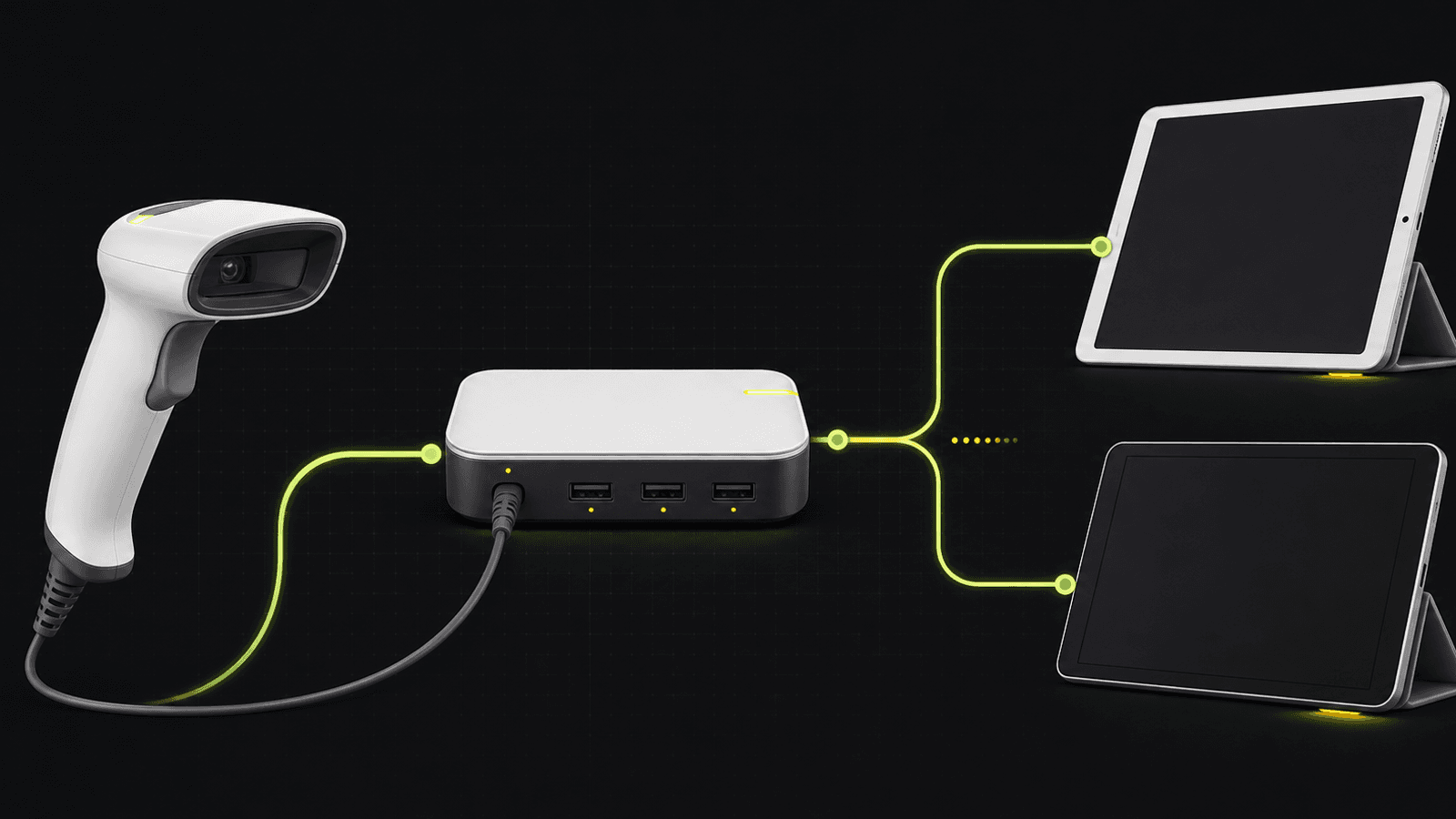
See how the Zebra DS2208 connects to Shopify POS on iPad and Android, which mode to use, and what to check when scanning fails.