Square Offline Mode: Set Up Payments and Reduce Risk
Configure Square offline mode, confirm supported hardware, protect pending payments, and recover safely after an internet or service outage.
- Written by
- Clayton Wingfield
- Reviewed by
- Clayton Wingfield
- Originally published
- Jul 21, 2026
- Last reviewed
- Jul 21, 2026
Quick verdict
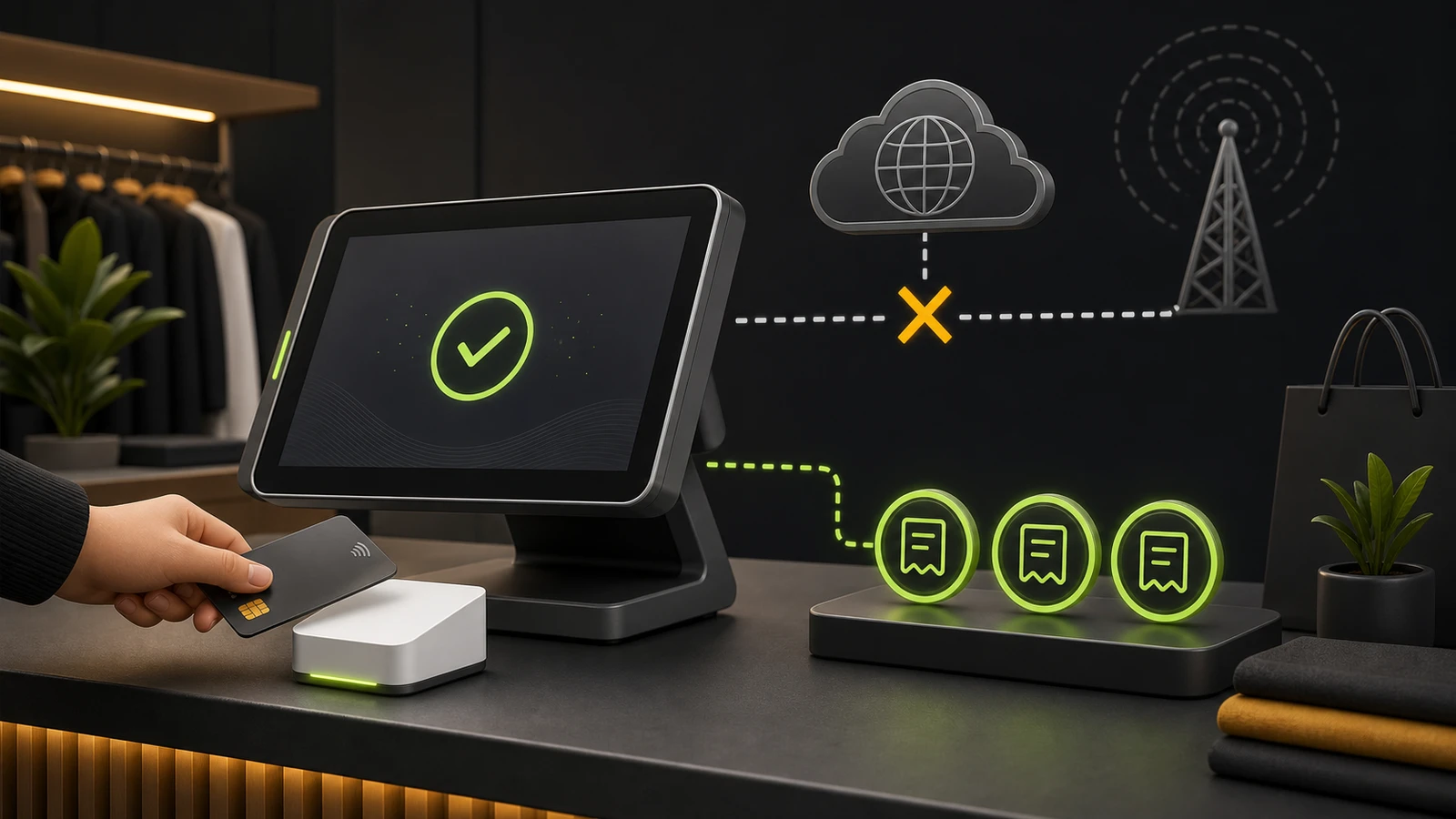
Enable offline payments only after confirming hardware support, setting a business-specific cap, and assigning recovery ownership; reconnect promptly because stored transactions are not guaranteed.
- Best for
- Square sellers that face brief internet or service interruptions and can tolerate, track, and reconcile the risk of later declines.
- Avoid if
- A later decline would be unacceptable, outages commonly exceed a day, staff cannot preserve the pending device state, or the required hardware and tender are unsupported.
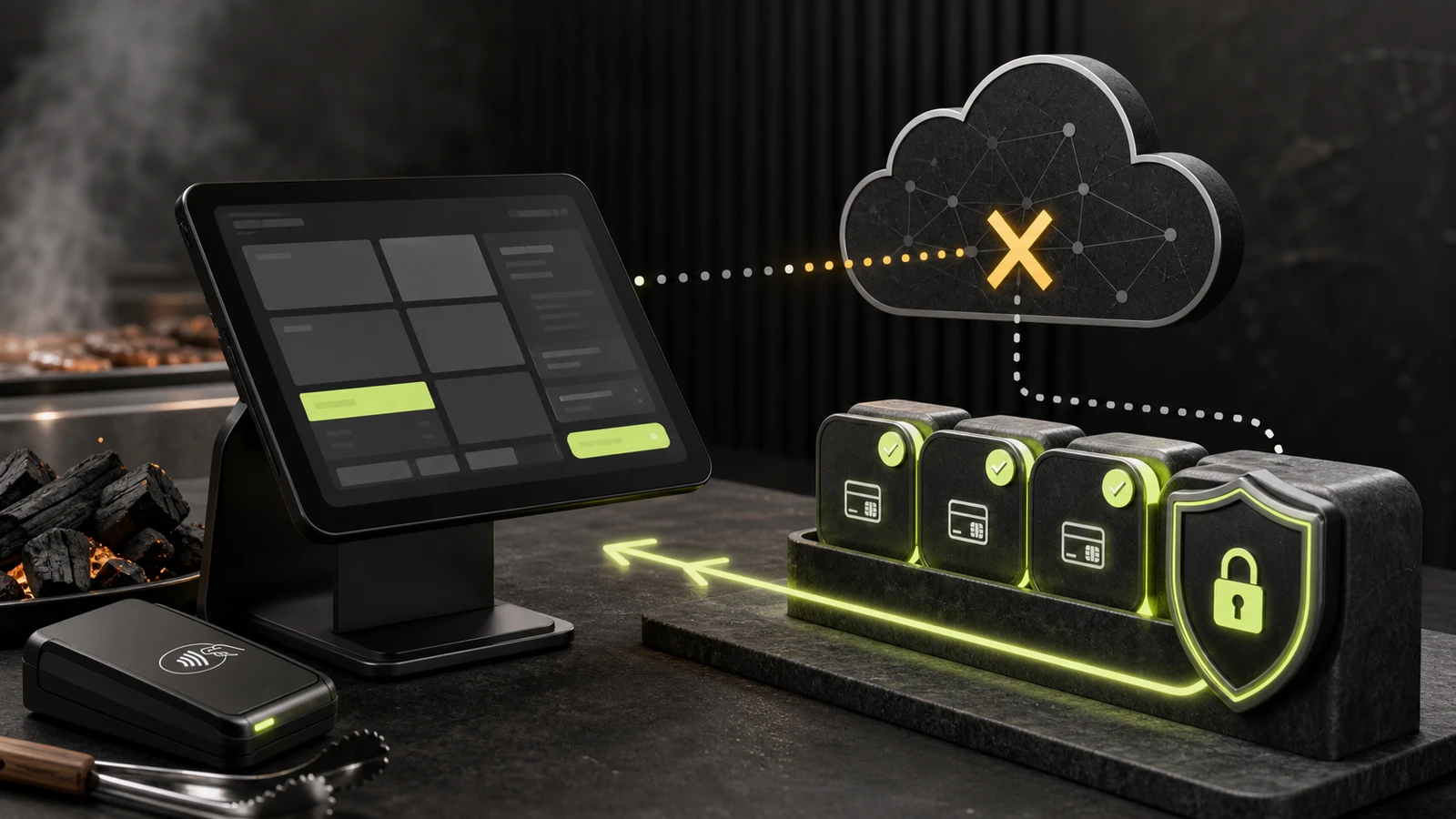
Square offline mode can keep supported card payments moving during a temporary internet outage or Square service disruption, but it does not authorize the payment in real time. The device stores the transaction and submits it after connectivity returns. That means the seller, not Square, carries the risk of a later decline, dispute, or expired upload.
The practical setup is more than switching the feature on. Confirm each device and payment type is supported, choose separate policies for internet and Square-service outages, set a sensible per-transaction cap, train staff not to erase pending payments, and reconnect well before the 72-hour expiration point.
What Square offline mode can and cannot do
Square calls the feature offline payments. It can store supported card payments locally on eligible Square hardware or a mobile device connected to eligible hardware. When the connection returns, the app uploads the pending transactions for processing.
It is a bridge through a short disruption, not a replacement for connectivity or authorization. Square says sellers are responsible for offline payments that later decline, expire, or are disputed. The Federal Reserve describes this type of system as hybrid rather than fully offline because final clearing and settlement still require an internet connection.
Offline payments also do not preserve every connected workflow. Depending on the disruption, new online orders and deliveries may not appear at the counter until service returns. Loyalty points can require manual reconciliation, close-of-day reporting is unavailable, and pending payments cannot be refunded until they upload.
Check compatibility before enabling it
Square's current U.S. support list includes these device paths:
- Square Register, Square Terminal, and Square Handheld
- Square Stand, first or second generation
- Square Reader for contactless and chip, second generation
- Square Reader for contactless and chip, first generation version 3
- Square Reader for magstripe when it is paired with a supported contactless-and-chip reader or Square Stand
- Supported Square POS, Restaurants, Retail, and Appointments app modes
Do not assume that any device displaying the Square app can accept offline cards. Square specifically excludes the first-generation contactless-and-chip reader versions 1 and 2, Square Kiosk hardware running the Kiosk app, and Square Terminal used through Terminal API as a buyer-facing payment point.
Unsupported payment types include Tap to Pay on iPhone or Android, manually entered cards, Square Gift Cards, Cash App Pay, and Afterpay. Square Invoices, the Kiosk app, and the Point of Sale app in services mode are also excluded.
Hardware versions matter. Identify the exact reader generation and version in Square's hardware settings or documentation before an outage, not after the counter has lost service.
Set up Square offline mode deliberately
Square's documentation says offline payments were automatically allowed on all devices in April 2026 unless the seller opted out. Treat that as a reason to audit the setting now; do not assume every location, mode, or device reflects the policy you want.
Configure managed modes from Square Dashboard
For devices assigned to a Square mode:
- Open Settings > Device management > Modes in Square Dashboard.
- Select the mode and choose Manage under Settings.
- Open Checkout settings > Offline payments.
- Choose whether an internet outage permits cash and offline cards or cash only.
- Make the same choice separately for a Square service disruption.
- Set the maximum allowed amount for one offline transaction.
- Save, then confirm which devices use that mode.
Square currently permits a configured maximum between $1 and $50,000. That range is a control boundary, not a recommended limit. A coffee shop, service counter, and high-ticket retailer should not share the same cap by default. Base the limit on normal ticket size, loss tolerance, staff escalation rules, and the availability of another verified payment path.
Configure a device that does not use modes
In a supported Square POS app, go to More > Settings > Checkout > Offline payments. Enable the feature, select the policy for each disruption type, and set the transaction cap. Record the approved setting for that location so a replacement device can be checked against it.
Account owners or staff with the required account and settings permission can configure offline payments. Checkout staff also need the permission needed to take payments. Test access roles before handing the outage procedure to a shift lead.
Build a safe operating policy
The best offline-payment policy answers four questions before service fails:
- When can staff accept offline cards? Separate a confirmed local internet outage from a Square service disruption. Square's status site helps identify a service-side event.
- What is the transaction cap? Use a business-specific ceiling lower than the largest amount the interface permits when the loss would be material.
- Which tenders remain available? Staff should know that Tap to Pay, gift cards, manually keyed cards, Cash App Pay, and Afterpay are not offline fallbacks.
- Who owns recovery? Name the person who reconnects devices, watches the pending queue, records declines, and confirms upload before the deadline.
Do not present an offline receipt as proof that funds have settled. The transaction remains pending until the system reconnects and the card is processed.
For power interruptions, offline payments help only if the checkout equipment stays on. The POS UPS sizing guide explains how to keep the smallest complete payment and network path running through a brief outage. A cellular or secondary internet path can further reduce the time spent holding unprocessed transactions.
Train staff for the outage sequence
Use a short, printed procedure at each counter:
- Read the on-screen error and retry once as Square directs.
- Check whether the local network is down or Square reports a service disruption.
- Confirm the offline banner appears and that the payment type is supported.
- Apply the store's transaction cap and escalation rule.
- Tell the customer the payment is pending rather than approved in real time.
- Keep the assigned device, location, mode, and app installation unchanged while payments are pending.
- Restore connectivity and verify every pending transaction uploads.
When barcode-dependent checkout continues during the outage, do not re-pair or replace scanners unless the scanner path itself failed. The Square barcode-scanner buying guide documents the supported connection choices; changing peripherals during a payment outage adds another fault domain.
Protect pending payments
Square warns that several actions can permanently remove pending offline payments. While the device holds them, do not:
- sign out of the Square POS app
- delete the app
- switch modes
- switch locations
- factory-reset the device or Square hardware
Square says a normal restart or power-off is allowed, but the device must be powered back on and connected in time to upload the queue. Avoid restarting merely as a generic troubleshooting step; first record the pending count and preserve the current device assignment.
For Square Reader and Stand paths, the offline session can accept payments for 24 hours before the device must reconnect to start a new session. Pending payments must upload within 72 hours of the session start. Square Register, Terminal, and Handheld also have a 72-hour upload deadline, and Square recommends reconnecting within 24 hours to reduce decline and chargeback risk.
Treat 72 hours as an expiration boundary, not a service target. Restore connectivity and upload as soon as practical.
Verify recovery after connectivity returns
Reconnection should trigger automatic upload. Do not close the incident at the first Wi-Fi icon.
- Confirm Square reports that the device is back online.
- Open the transaction history and verify pending payments move to completed or declined.
- Compare the transaction count and totals with the outage log.
- Record declined payments for the business's normal follow-up process; Square says it cannot provide customer contact details for declined or expired offline payments.
- Reconcile loyalty activity and delayed online orders where applicable.
- Confirm each device is still assigned to the correct location and mode.
- Review whether the cap, staffing decision, or backup connection needs adjustment.
Offline payments cannot be canceled or refunded while still processing. Wait until the transaction uploads before using Square's normal refund workflow.
When Square offline mode is the right backup
Offline mode fits businesses that have short, occasional connectivity interruptions; use supported hardware; can tolerate the risk of a later decline; and have a disciplined reconnection process. It is especially useful when the alternative is stopping all card acceptance during a brief outage.
Use cash-only operation, a verified secondary connection, or another approved continuity plan when a declined high-value transaction would be unacceptable, outages commonly last more than a day, staff cannot preserve the pending device state, or the required tender and hardware are unsupported.
The cost is not a separate offline-mode subscription in Square's current documentation; normal processing fees apply when stored payments process. The real cost is operational: compatible hardware, reliable power, backup connectivity, staff training, reconciliation time, and the potential loss from declined or disputed transactions. Exact pricing, processing rates, and hardware availability vary by seller and were not evaluated in this guide.
Research limitations
This guide is based on current U.S. Square support documentation and payment-resilience research. No Square hardware or live offline transaction was tested. Device eligibility, interface labels, default settings, payment types, time limits, fees, and program rules can change. Review the live Square support page and your account settings before relying on the procedure.
FAQ
How long can Square stay in offline mode?
Square Reader and Stand paths can take offline payments for a 24-hour session before reconnecting is required to begin another session. Pending payments must upload within 72 hours of the session start. Register, Terminal, and Handheld payments also expire if they are not uploaded within 72 hours.
Are Square offline payments guaranteed?
No. They are stored and processed after reconnection, so a card can later decline or be disputed. Square states that the seller is responsible for expired, declined, or disputed offline payments.
Does Tap to Pay work with Square offline mode?
No. Square lists Tap to Pay on iPhone and Android as unsupported for offline payments. Use an eligible Square hardware path and confirm the exact device version.
Can staff refund an offline payment before it uploads?
No. An offline payment cannot be canceled or refunded while it is pending. Reconnect, let the payment process, and then use the normal refund workflow if it completes.
Should a store set the maximum offline transaction to $50,000?
Not automatically. Square permits a configurable maximum up to $50,000, but the business bears the decline and dispute risk. Choose a limit based on normal ticket size and acceptable loss, with a manager escalation rule for unusual transactions.
Compatibility notes
Systems, accessories, and constraints
Current U.S. support includes specified Square Register, Terminal, Handheld, Stand, and Reader versions with eligible Square POS app modes. Tap to Pay, manually entered cards, gift cards, Cash App Pay, Afterpay, Kiosk hardware/app, and several older or API-connected paths are unsupported.
Testing methodology
How this article was evaluated
Reviewed current Square U.S. support documentation, Square's status and affiliate pages, Federal Reserve payment-resilience analysis, and current search results; converted the rules into an operational setup and recovery plan.
Known limitations
What this guide could not verify
Documentation-based; no live offline payment or Square hardware was tested. Eligibility, interface labels, default settings, payment types, deadlines, fees, and program rules can change.
Sources
Documentation and references
- Process offline payments - Supports current eligibility, settings, transaction-cap range, disruption choices, 2026 default-setting change, time limits, destructive actions, recovery behavior, and seller liability.
- Offline Credit Card Processing - Supports Square's current explanation of stored offline transactions and operational use during connectivity loss.
- Offline Payments: Implications for Reliability and Resiliency in Digital Payment Systems - Supports the hybrid-payment framing, the requirement for later settlement connectivity, and merchant exposure to transaction declines.
- Square Affiliate Program - Verifies a current direct affiliate opportunity for publishers; no relationship, tracking link, commission, or public CTA was created.
Devicefield checklist
Make the next hardware decision with fewer surprises.
Get practical buying notes, compatibility checks, and new troubleshooting guides.
Frequently asked questions
How long can Square stay in offline mode?
Square Reader and Stand paths can take offline payments for a 24-hour session before reconnecting is required to begin another session. Pending payments must upload within 72 hours of the session start. Register, Terminal, and Handheld payments also expire if they are not uploaded within 72 hours.
Are Square offline payments guaranteed?
No. They are stored and processed after reconnection, so a card can later decline or be disputed. Square states that the seller is responsible for expired, declined, or disputed offline payments.
Does Tap to Pay work with Square offline mode?
No. Square lists Tap to Pay on iPhone and Android as unsupported for offline payments. Use an eligible Square hardware path and confirm the exact device version.
Can staff refund an offline payment before it uploads?
No. An offline payment cannot be canceled or refunded while it is pending. Reconnect, let the payment process, and then use the normal refund workflow if it completes.
Should a store set the maximum offline transaction to $50,000?
Not automatically. Square permits a configurable maximum up to $50,000, but the business bears the decline and dispute risk. Choose a limit based on normal ticket size and acceptable loss, with a manager escalation rule for unusual transactions.