Best Barcode Scanners for Square POS
Choose a Square-compatible barcode scanner by POS hardware, connection type, required extras, recovery path, and verified current support.
- Written by
- Clayton Wingfield
- Reviewed by
- Clayton Wingfield
- Originally published
- Jul 19, 2026
- Last reviewed
- Jul 19, 2026
Quick verdict
Choose the Honeywell Voyager XP 1470 for most fixed Square counters, the Socket Mobile S720 for verified cordless iOS setups, or the Zebra DS2208 when an existing Zebra standard makes reuse valuable.
- Best for
- Small retailers matching an exact scanner to Square Stand, Register, Terminal, Handheld, or a supported mobile setup.
- Avoid if
- The seller cannot identify the exact scanner SKU, included cable, required hub or adapter, and supported Square hardware path.
The best barcode scanner for Square POS depends first on the Square hardware at the counter. For most fixed counters, the Honeywell Voyager XP 1470 is the safest default: Square sells the exact corded USB model, lists it for Square Stand, Register, Terminal, and Handheld, and prices it at $119 as of this review. For an iPad or iPhone paired with Square Reader, choose the Socket Mobile S720 instead. Stores already standardized on Zebra can reasonably use the Zebra DS2208, but they should verify the full connection path before ordering.
This is a researched buying guide, not a hands-on scanner test. The recommendations come from Square's current U.S. compatibility matrix, Square support and store pages, and manufacturer documentation. Scan speed, damaged-label performance, reconnect behavior, and long-term durability weren't measured by Devicefield.
Quick picks
- Best for most fixed counters: Honeywell Voyager XP 1470. A current, corded 1D/2D model sold by Square with a stand and USB-A cable.
- Best cordless option for an iPad or iPhone: Socket Mobile S720. Square currently lists it for Square Stand and iOS with Square Reader, but not Square Terminal, Register, Handheld, Kiosk, or Android with Square Reader.
- Best for an existing Zebra fleet: Zebra DS2208. A corded 1D/2D scanner with broad support across Square's fixed hardware and a documented Android path.
- Best mobile alternative: Square Handheld. Its built-in scanner removes the external scanner, cradle, and pairing decision, but it replaces rather than supplements the POS device.
The important rule is simple: don't buy from a listing that merely says “works with Square.” Match the exact scanner model, Square device, operating system, app mode, connector, and required hub against Square's current compatibility list.
Square POS barcode scanner compatibility at a glance
Square Kiosk needs a separate warning. When the hardware runs the Square Kiosk app, Square says it cannot connect directly to barcode scanners or other external accessories over USB, Bluetooth, Wi-Fi, or Ethernet. Running other Square POS software on the same stand changes the accessory rules, so “Square Kiosk hardware” and “Square Kiosk app” aren't interchangeable descriptions.
Square's general setup article also says Bluetooth barcode scanners are currently limited to iPads and iPhones. USB scanners work with Square's supported fixed hardware and selected Android devices; the Android device needs USB OTG or host support and, according to Square's current scanner page, Android 9.0 or older. That unusually narrow Android condition is a reason to verify rather than assume compatibility.
How these scanners were selected
The ranking uses operational criteria a small retailer can verify before purchase:
- Exact Square support. The scanner must appear on Square's current U.S. compatibility list for the intended POS device.
- Barcode coverage. A 2D imager is preferred for a new purchase because it can handle common 1D retail codes plus QR and other 2D formats.
- Connection risk. A corded scanner is favored at a fixed counter; Bluetooth earns its place only where mobility matters and Square supports the pairing path.
- Required extras. Hubs, adapters, charging docks, cables, and replacement batteries count toward the deployment cost.
- Recovery path. Staff should be able to reseat a cable, change a USB port, re-pair a device, or restore the documented scanner mode without rebuilding the counter.
- Procurement clarity. A current first-party product page or clear manufacturer documentation is more defensible than an unlabeled marketplace bundle.
These criteria favor a modest, supported scanner over a feature-heavy model whose Square compatibility is only implied.
Best Square POS barcode scanner picks
Honeywell Voyager XP 1470: best for most fixed counters
The Voyager XP 1470 is the cleanest default for a new fixed counter. Square's current product page lists the exact manufacturer SKU `1470G2D-2USB-1-N`, a presentation stand, and a USB Type-A cable for $119. It reads standard 1D, PDF, and 2D symbologies. Honeywell describes the 1470g as a corded retail scanner designed to read traditional and screen-based codes, including damaged or difficult codes, but Devicefield didn't independently measure that performance.
Best for: Square Stand or Register counters that need a straightforward corded scanner; Square Terminal or Handheld counters that already have the required hub.
Avoid if: staff need to scan away from the counter, the setup uses iOS or Android with Square Reader, or the counter has no room for a hub and cable path.
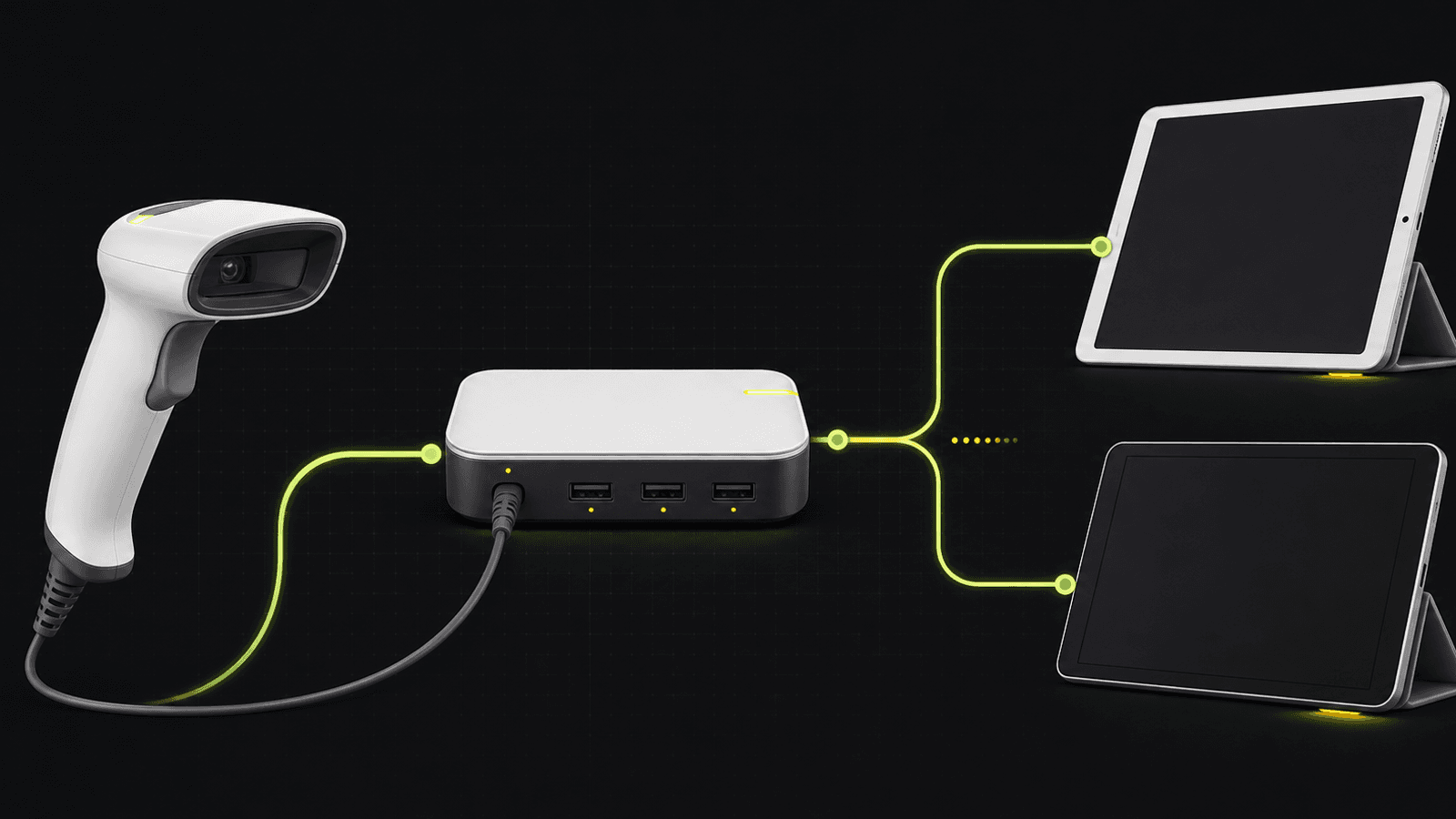
Required extras are easy to miss. Square says Terminal and Handheld need the Hub for Square Terminal, currently $49. That makes the documented scanner-plus-hub hardware total $168 before tax or shipping when the store owns neither. Square Stand and Register have their own supported USB connection paths, so don't add a hub merely because another Square device requires one.
The likely recovery sequence is also clear: confirm the Square hub has power, reseat the scanner, try another hub port, and verify the scanner is in USB Keyboard HID mode. Square's barcode-scanner troubleshooting guide recommends those checks before a factory reset.
Socket Mobile S720: best cordless choice for iOS
Choose the S720 when the POS runs on an iPad or iPhone and the scanner needs to move around a counter, stockroom cart, or receiving area. Square currently lists the Bluetooth S720 for Square Stand and iOS with Square Reader. It does not list the model for Square Terminal, Register, Handheld, Kiosk, or Android with Square Reader.
Socket Mobile lists the S720 from $285 on its Square scanner page. Its product documentation describes a rechargeable, field-replaceable battery and 1D/2D barcode support. A charging dock is available in bundles, but the exact bundle premium should be checked at purchase rather than assumed.
Best for: iPad-based retailers that value cordless movement more than the lower price and simple failure domain of USB.
Avoid if: the counter uses Android, Square Terminal, Square Register, or Square Handheld; several tablets must take turns with one scanner; or staff cannot manage charging and pairing.
Bluetooth changes the recovery plan. Square instructs users to unpair the scanner from the old iOS device before pairing it to another. That makes one scanner shared casually across multiple tills a poor operating model. Assign the scanner to a specific POS device, label the charging location, and document the re-pairing steps.
Socket Mobile introduced the less-expensive S721 in 2026 and says it works with supported Square iOS apps, but Square's live U.S. compatibility matrix did not list the S721 during this review. Treat it as a model to recheck with Square before purchase, not as a drop-in assumption.
Zebra DS2208: best for an existing Zebra standard
The DS2208 is a sensible alternative when a business already owns Zebra cables, stands, configuration material, or spare units. Square's live list supports it with Terminal, Handheld, Stand, Register, and qualifying Android-with-Reader setups. It isn't listed for iOS with Square Reader, and no external scanner works directly in the Square Kiosk app.
Zebra's DS2208 documentation identifies it as a corded 1D/2D area imager with USB among its supported host interfaces. The model can be configured for other hosts, which is useful in a mixed estate but also creates a setup risk: a used or repurposed unit may arrive in the wrong mode for Square.
Best for: fixed counters with an existing Zebra equipment standard or spare-parts plan.
Avoid if: the seller doesn't identify the exact DS2208 model, cable, and included stand, or if the POS uses iOS with Square Reader.
If a DS2208 powers on but Square rejects it, verify the hub and cable before changing configuration. Then use Zebra's model-specific guide to set the intended USB host mode. The related Devicefield guide on Zebra DS2208 compatibility with Shopify POS is useful for understanding why the same scanner can require a different mode and accessory path on another POS platform; don't reuse Shopify instructions as Square instructions.
Square Handheld: best when mobility matters more than reuse
Square Handheld is not an external scanner, but it can be the better system decision for line busting, receiving, and mobile inventory checks. Square prices the device at $399 and documents a built-in barcode and QR scanner for checkout, item lookup, stock checks, and gift cards.
Best for: a business that needs a mobile POS and scanner together rather than a scanner attached to a fixed register.
Avoid if: the store already has suitable POS hardware, needs a low-cost scanner only, or wants to reuse the scanner with non-Square systems later.
The $399 price isn't comparable to a $119 corded scanner alone; it replaces more of the system. Compare it with the cost and operational burden of a tablet, payment reader, external scanner, hub or cradle, and charging plan.
Total cost and required extras
The purchase price is only the first line item. Build the counter bill of materials before ordering:
- Exact scanner SKU and included cable
- Presentation stand or charging dock
- Hub for Square Terminal or Handheld when using USB
- Android OTG adapter only for a currently supported Android configuration
- Power outlets and cable management
- Spare cable or assigned charging location
- Labels that match the scanner's 1D/2D capabilities and the store's workflow
- Time to configure, label, and document each counter
For the three picks above, the verified headline prices were $119 for the Voyager XP 1470, $285 starting price for the Socket S720, $49 for the Square Terminal hub, and $399 for Square Handheld. A current first-party U.S. price for a complete DS2208 kit wasn't verified, so compare authorized configurations instead of treating a marketplace bare scanner as equivalent.
Deployment checklist
- Record the Square hardware model, operating system, Square app, and app mode at each station.
- Check the exact scanner against Square's live compatibility page on the day of purchase.
- Confirm the connector, hub, adapter, stand, cradle, and power supply included with the SKU.
- Assign Bluetooth scanners to one primary iOS device and document the unpair/re-pair process.
- Test the actual UPC, EAN, Code 39, QR, PDF417, or custom labels used by the business.
- Verify checkout, item creation, receiving, and inventory-count workflows separately; a successful scan doesn't prove every Square workflow is enabled.
- Save the factory-reset and host-mode pages for the exact scanner model.
- Label spare cables and keep the counter's known-good configuration in an operations note.
Devicefield's barcode and inventory coverage and review methodology explain how compatibility, setup effort, recovery, and total cost are weighed across related guides.
Limitations of this buying guide
Devicefield did not test these scanners with Square hardware. The guide doesn't rank scan speed, motion tolerance, damaged-label performance, battery endurance, drop resistance, or reconnect time. Manufacturer performance claims are treated as specifications, not observations.
Square can revise compatibility, Android support, app behavior, hardware bundles, stock, and prices. The S721 discrepancy is a good example: Socket Mobile markets it for Square iOS apps, while Square's compatibility matrix had not yet added it. Recheck the live matrix and exact SKU before ordering multiple units.
FAQ
Can any USB barcode scanner work with Square POS?
No. A generic USB scanner may behave like a keyboard on a computer and still be absent from Square's hardware-specific compatibility list. Use an exact model that Square lists for the intended Square device and verify the required hub or Android adapter.
What is the best barcode scanner for Square Stand?
For a fixed counter, the Honeywell Voyager XP 1470 is the strongest default because Square sells the exact 1D/2D USB kit. Choose the Socket Mobile S720 instead when cordless scanning on the paired iPad is operationally important.
Do I need a hub to connect a scanner to Square Terminal?
Yes for the corded USB scanners recommended here. Square sells the Hub for Square Terminal for connecting a barcode scanner and other accessories. The same hub is also listed for Square Handheld, although Handheld already includes a scanner.
Can a Bluetooth scanner connect to Square Register?
Not among the Bluetooth picks reviewed here. Square currently lists the Socket Mobile S720 for Square Stand and iOS with Square Reader, not Register. Use a supported USB scanner with Register.
Does Square Kiosk support barcode scanners?
Not while it runs the Square Kiosk app. Square says that app cannot directly connect to external accessories over Bluetooth, USB, Wi-Fi, or Ethernet. The hardware can have different accessory compatibility when it runs other Square POS software.
Should I buy the Socket Mobile S721 instead of the S720?
Only after Square confirms the exact S721 for the intended iOS setup. Socket Mobile markets the newer S721 for Square iOS applications, but it was not present on Square's live U.S. scanner matrix when this guide was verified.
Compatibility notes
Systems, accessories, and constraints
Honeywell Voyager XP 1470 is listed for Square Terminal, Handheld, Stand, and Register. Socket Mobile S720 is listed for Square Stand and iOS with Square Reader. Zebra DS2208 is listed for Terminal, Handheld, Stand, Register, and qualifying Android-with-Reader setups. External scanners are unsupported while using the Square Kiosk app.
Testing methodology
How this article was evaluated
Compared the current Square U.S. scanner compatibility matrix, setup and troubleshooting documentation, first-party store prices, and Honeywell, Zebra, and Socket Mobile product documentation. Ranked picks by exact support, barcode coverage, connection risk, required extras, recovery path, and procurement clarity.
Known limitations
What this guide could not verify
Research-only buying guide. Devicefield did not measure scan speed, damaged-label performance, motion tolerance, battery endurance, reconnect time, drop resistance, or long-term reliability. Compatibility, prices, stock, Android support, and app behavior can change; verify the live Square matrix and exact SKU before purchase.
Sources
Documentation and references
- Barcode Scanner Compatibility - Current U.S. scanner model, connection type, Square hardware, mobile OS, Android, and Kiosk compatibility matrix.
- Connect a barcode scanner to your point of sale - USB and Bluetooth connection requirements, Android OTG guidance, pairing, device reassignment, and Virtual Terminal setup.
- 2D Corded Barcode Scanner - Current Honeywell Voyager XP 1470 price, exact SKU, included stand and cable, barcode support, and Square hardware compatibility.
- Hub for Square Terminal - Current hub price, included hardware, and compatibility with Square Terminal and Square Handheld.
- Barcode Scanners for Square - Socket Mobile Square scanner lineup and current starting prices for S720 and newer S721.
- SocketScan S720 Linear Barcode, QR Scanner - S720 barcode support, rechargeable replaceable battery, charging information, and available dock bundles.
- Socket Mobile Launches SocketScan S721 - Manufacturer claim that S721 targets Square iOS applications, launch price, app-version requirement, and intended replacement of S720.
- DS2208 Handheld Scanner - Corded design, 1D/2D area imaging, host interface options, included stand, and DS2200-series context.
- Troubleshoot your barcode scanner - USB hub power, cable and port checks, USB Keyboard HID mode, Bluetooth reset, and factory-reset sequence.
- Square Handheld Credit Card Machine - Current Square Handheld price and built-in payment, camera, and barcode-scanner positioning.
- Scan barcodes and QR codes with Square Handheld - Built-in scanner barcode types and supported checkout, item, inventory, and gift-card workflows.
- Troubleshoot connection and power issues with Square Kiosk - Square Kiosk app restriction on direct USB, Bluetooth, Wi-Fi, and Ethernet accessories.
- Square Affiliate Program - Current official application page and eligible Square products for a private affiliate-program suggestion.
Devicefield checklist
Make the next hardware decision with fewer surprises.
Get practical buying notes, compatibility checks, and new troubleshooting guides.
Frequently asked questions
Can any USB barcode scanner work with Square POS?
No. Use an exact scanner model that Square lists for the intended Square device, then verify the required hub, adapter, cable, and host mode.
What is the best barcode scanner for Square Stand?
For a fixed counter, the Honeywell Voyager XP 1470 is the strongest default. Choose the Socket Mobile S720 when cordless scanning on the paired iPad is operationally important.
Do I need a hub to connect a scanner to Square Terminal?
Yes for the corded USB scanners recommended here. Square sells the Hub for Square Terminal to connect barcode scanners and other accessories.
Can a Bluetooth scanner connect to Square Register?
Not among the Bluetooth picks reviewed here. Square currently lists the Socket Mobile S720 for Square Stand and iOS with Square Reader, not Square Register.
Does Square Kiosk support barcode scanners?
Not while the hardware runs the Square Kiosk app. Square says that app cannot directly connect to external accessories over Bluetooth, USB, Wi-Fi, or Ethernet.
Should I buy the Socket Mobile S721 instead of the S720?
Only after Square confirms the exact S721 for the intended iOS setup. Socket Mobile markets it for Square iOS applications, but it was not on the Square U.S. scanner matrix when verified.